Video link: https://bit.ly/duplicate-funnel
STEP-BY-STEP TUTORIAL
Step 1 : Login your Intellia Account, Using this link : app.theintellia.com
Step 2 : On the dashboard, you'll see a left menu bar.

Step 3 : Click Sites.

Step 4 : On top Menu bar.
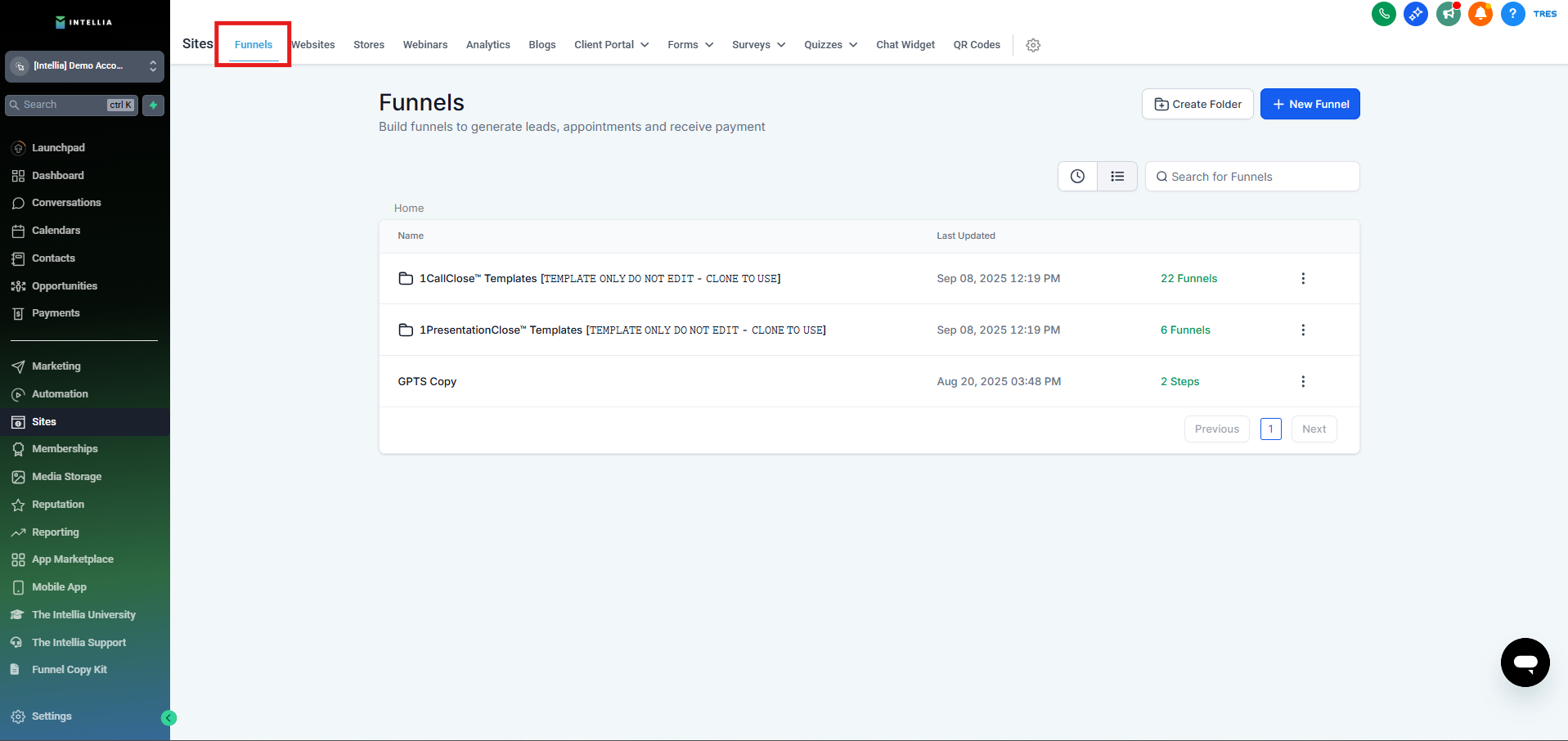
Step 5 : Click Funnels.
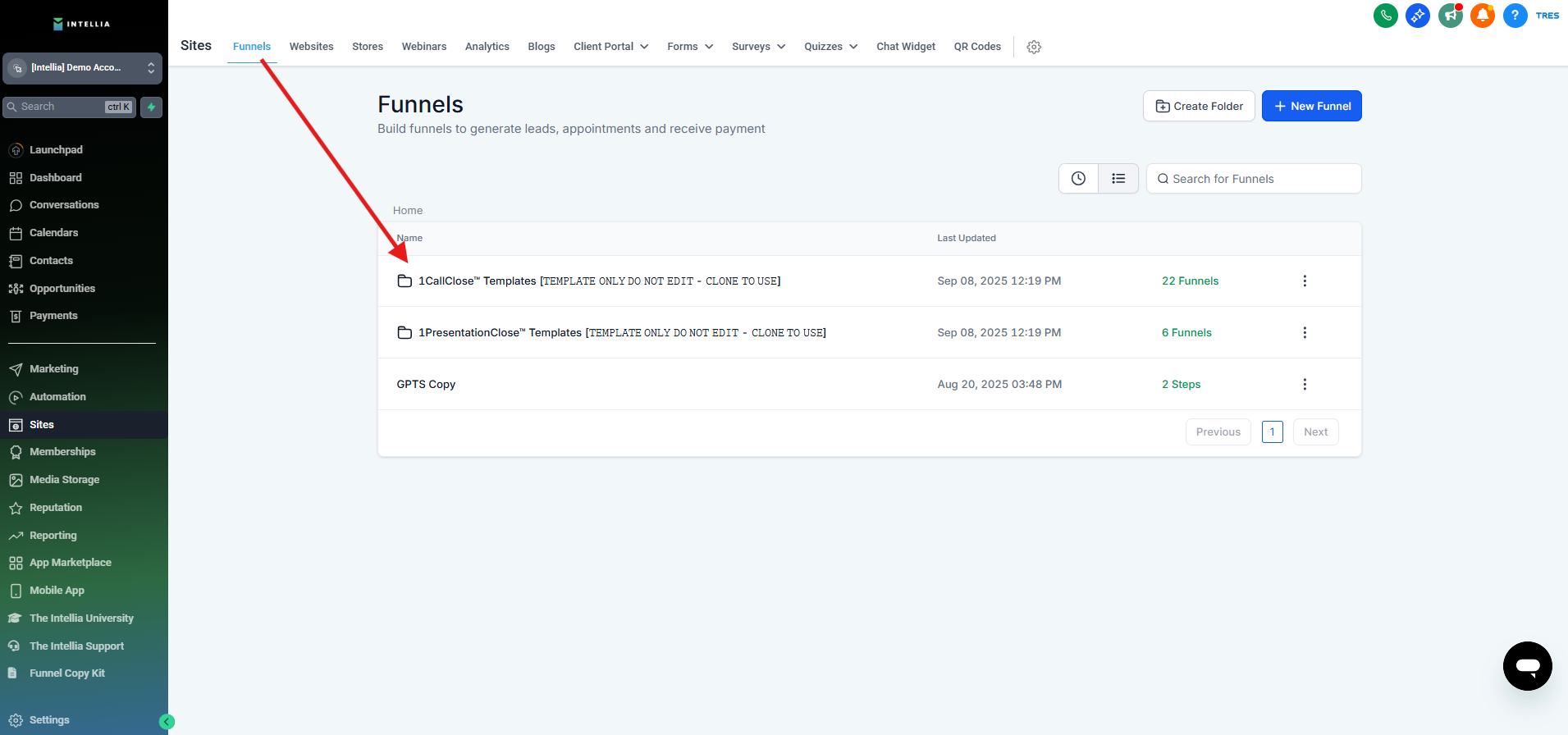
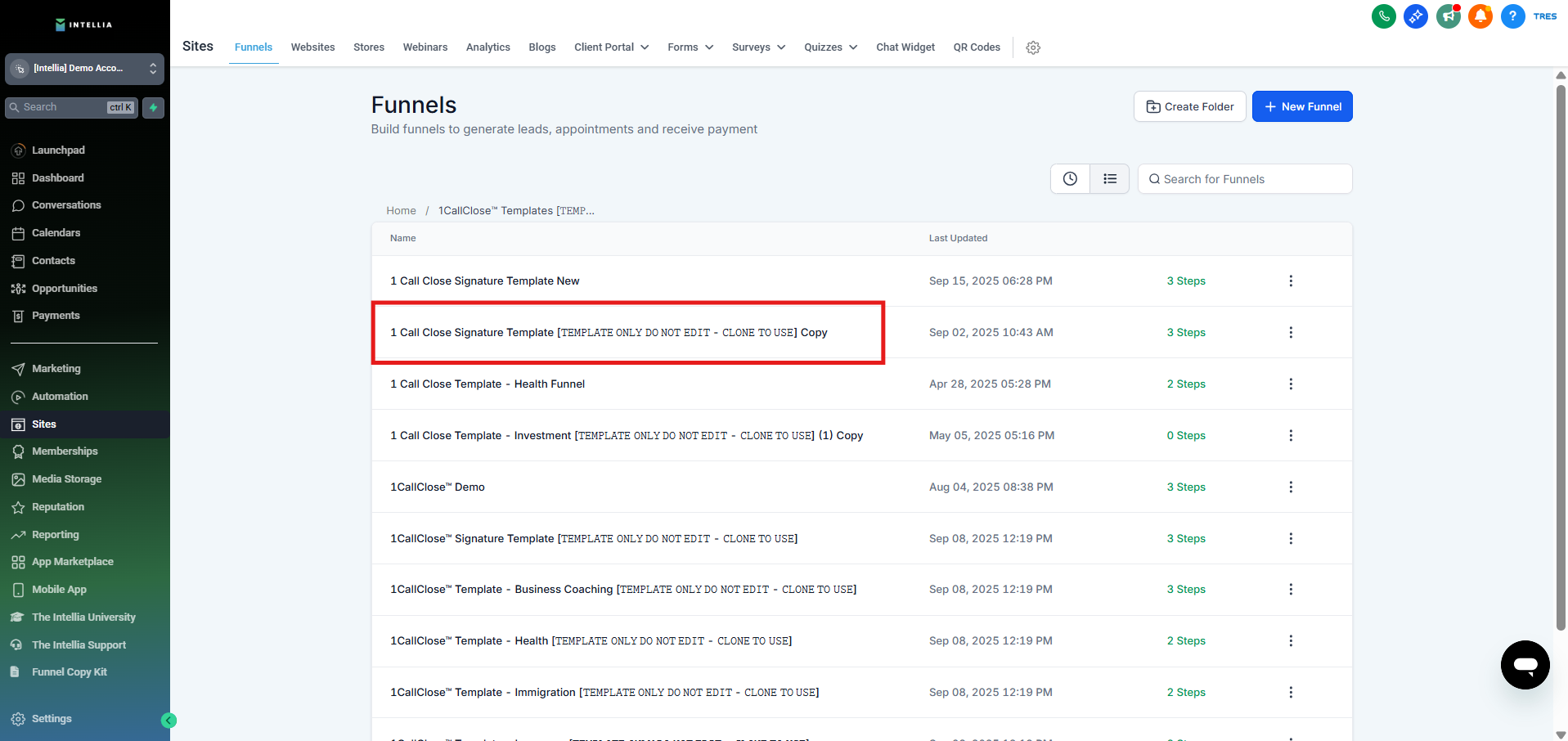
Step 6 : In the content area, you'll see "1CallClose™ Signature Template [𝚃𝙴𝙼𝙿𝙻𝙰𝚃𝙴 𝙾𝙽𝙻𝚈 𝙳𝙾 𝙽𝙾𝚃 𝙴𝙳𝙸𝚃 - 𝙲𝙻𝙾𝙽𝙴 𝚃𝙾 𝚄𝚂𝙴]"
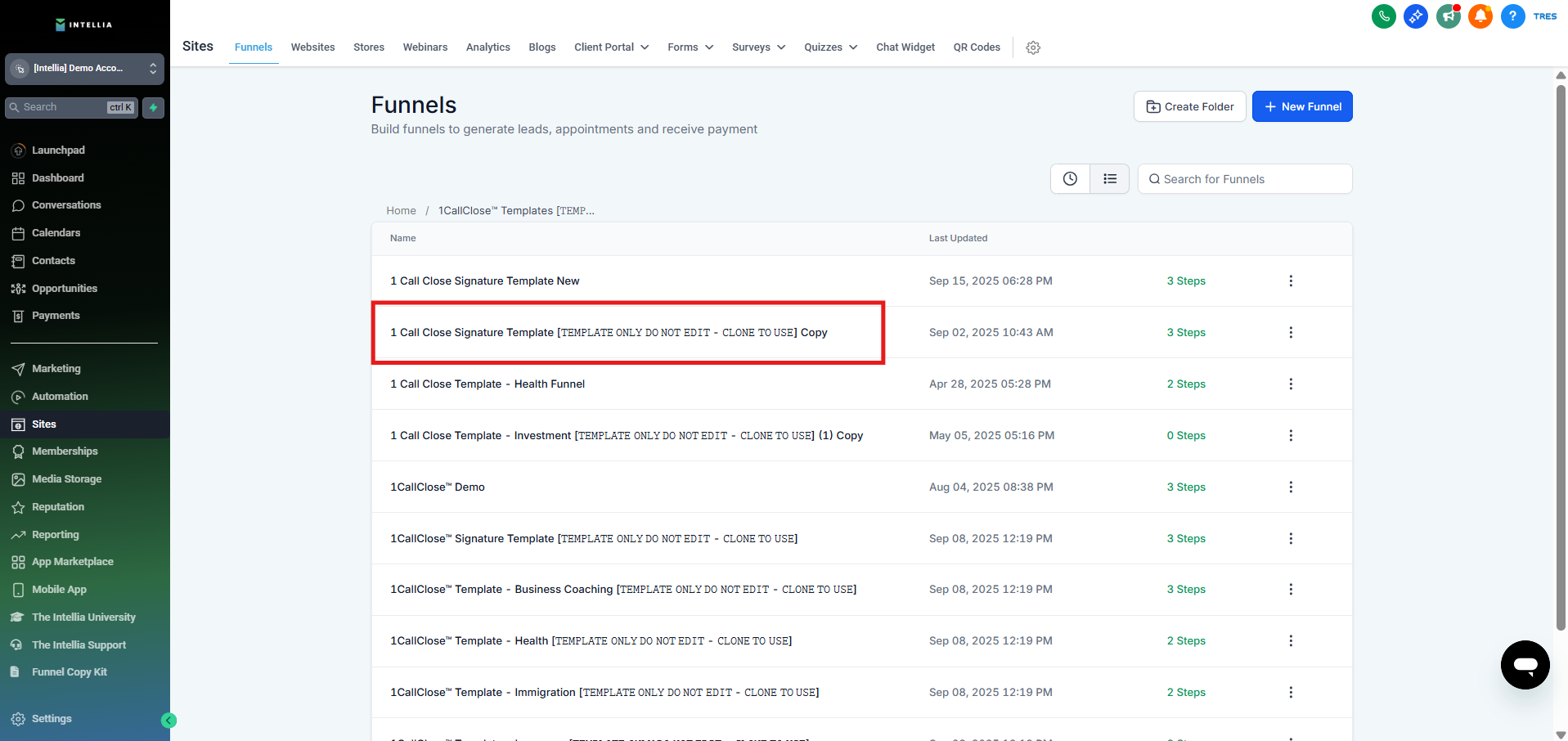
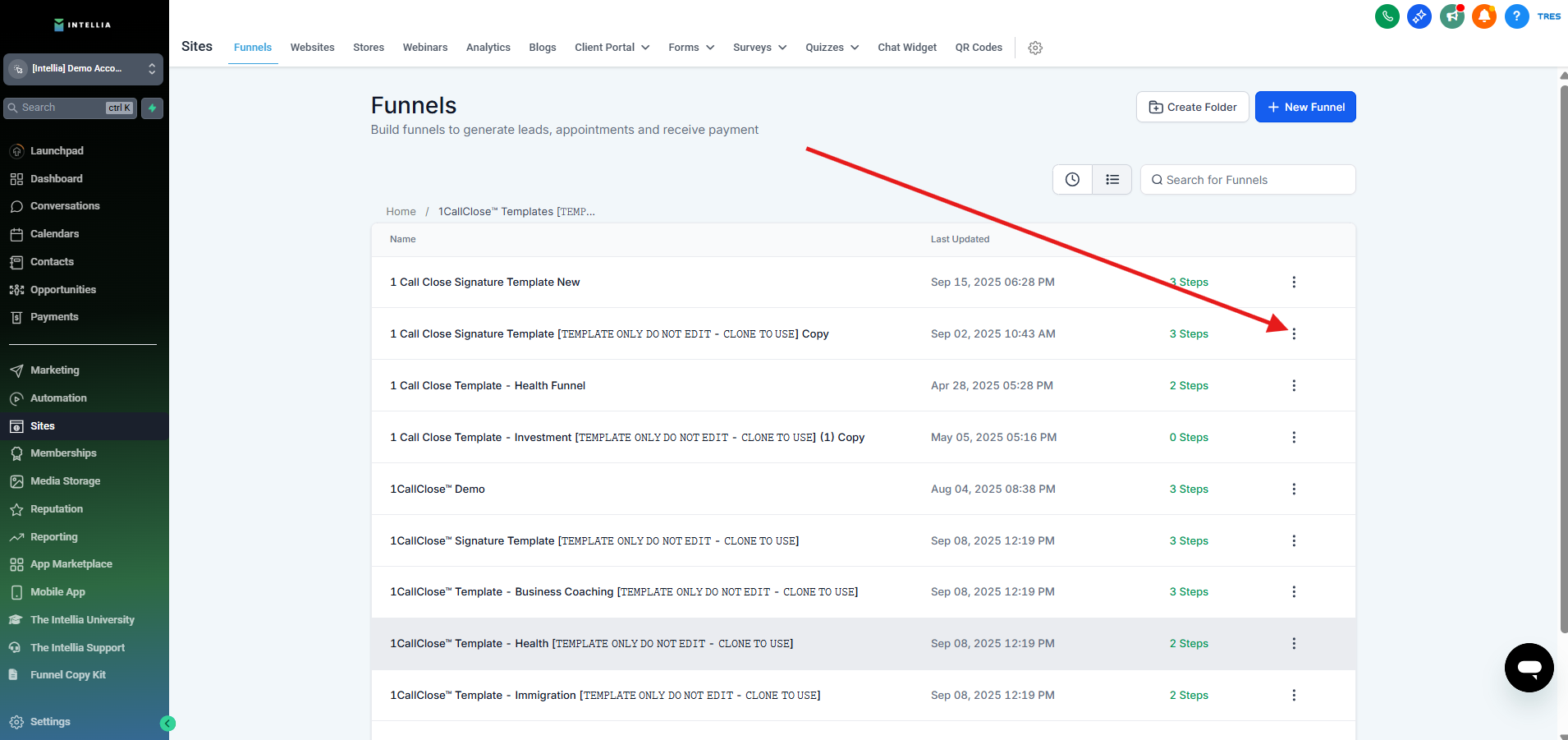
Step 7 : Hover your cursor to the right, click on the 3 little dot.
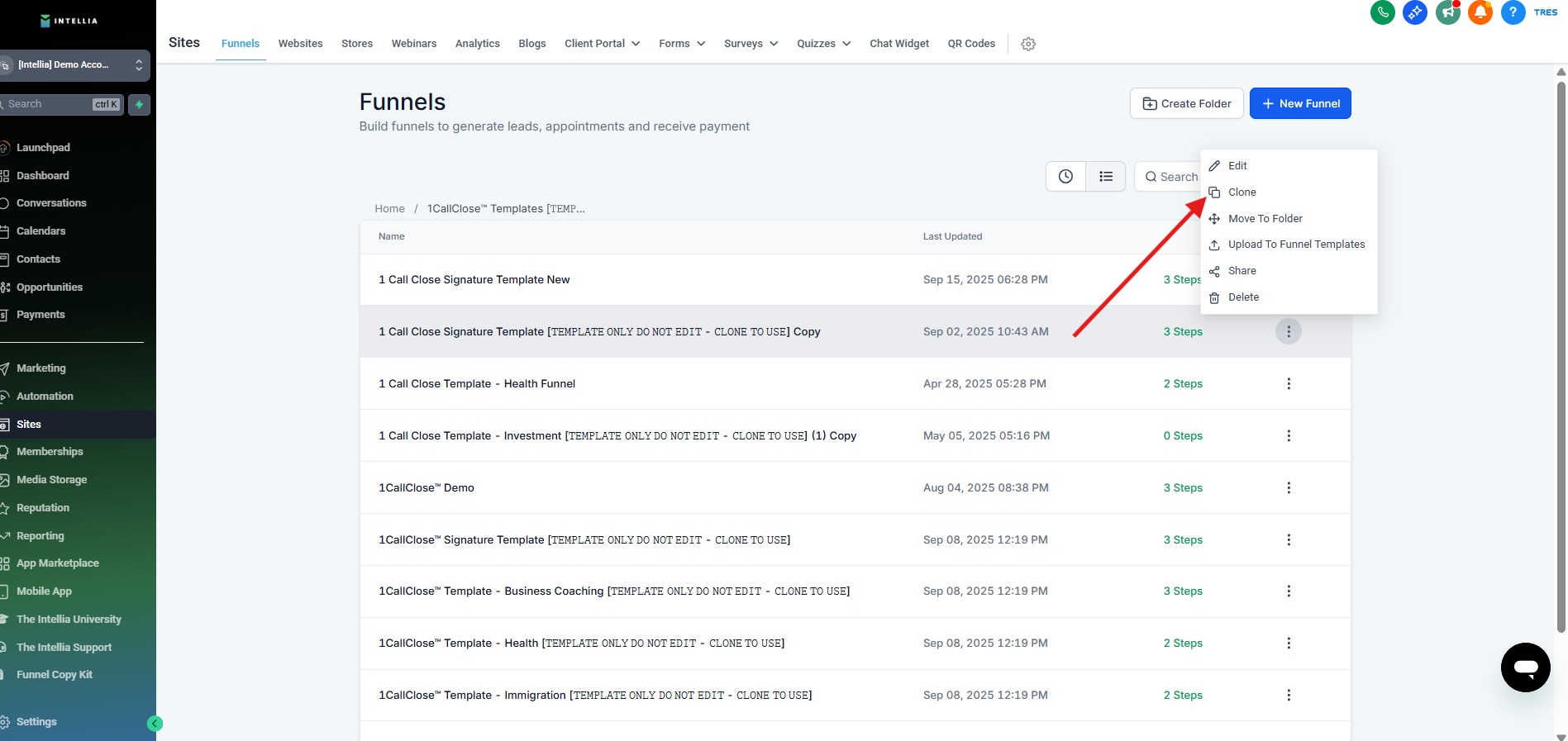
Step 8 : Click Clone.
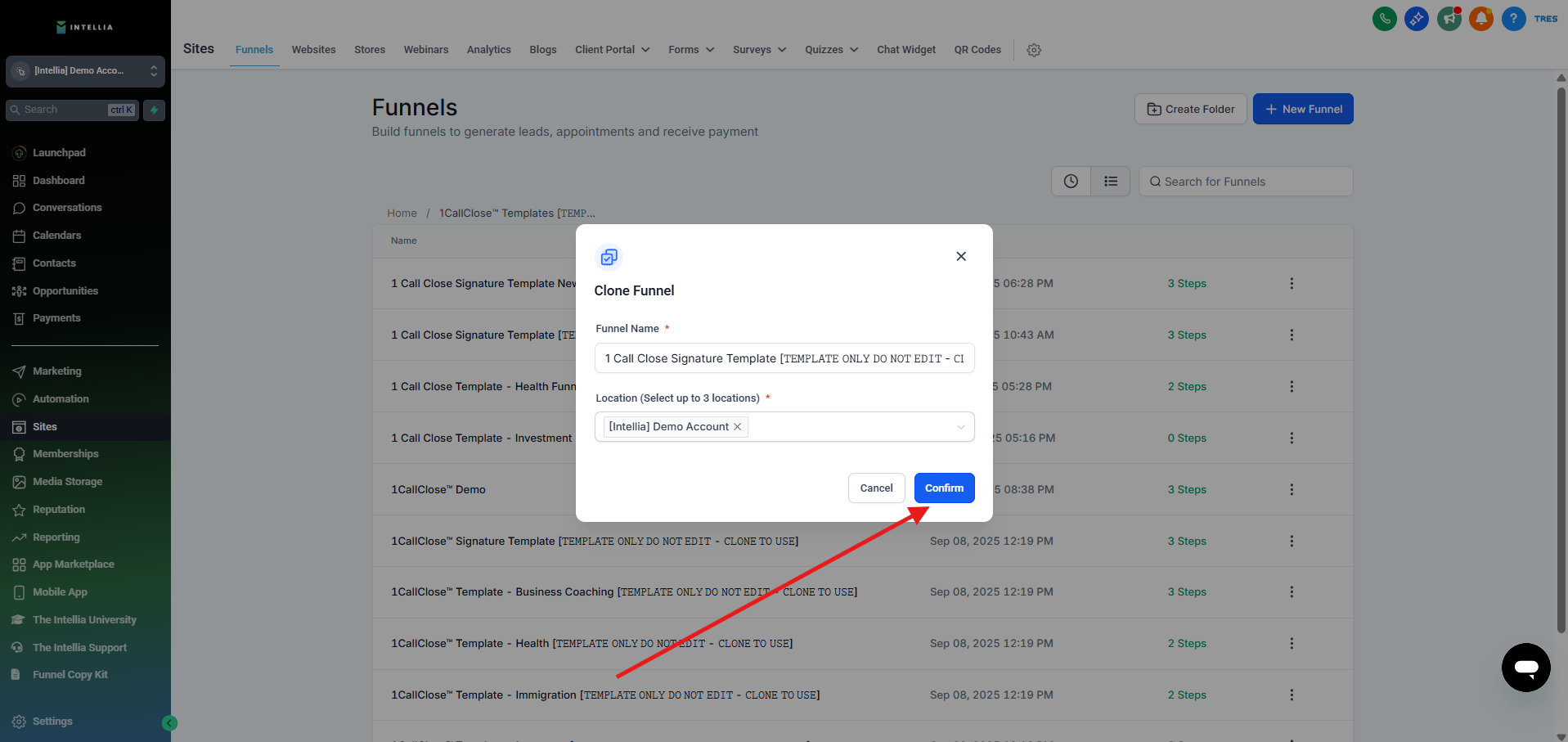
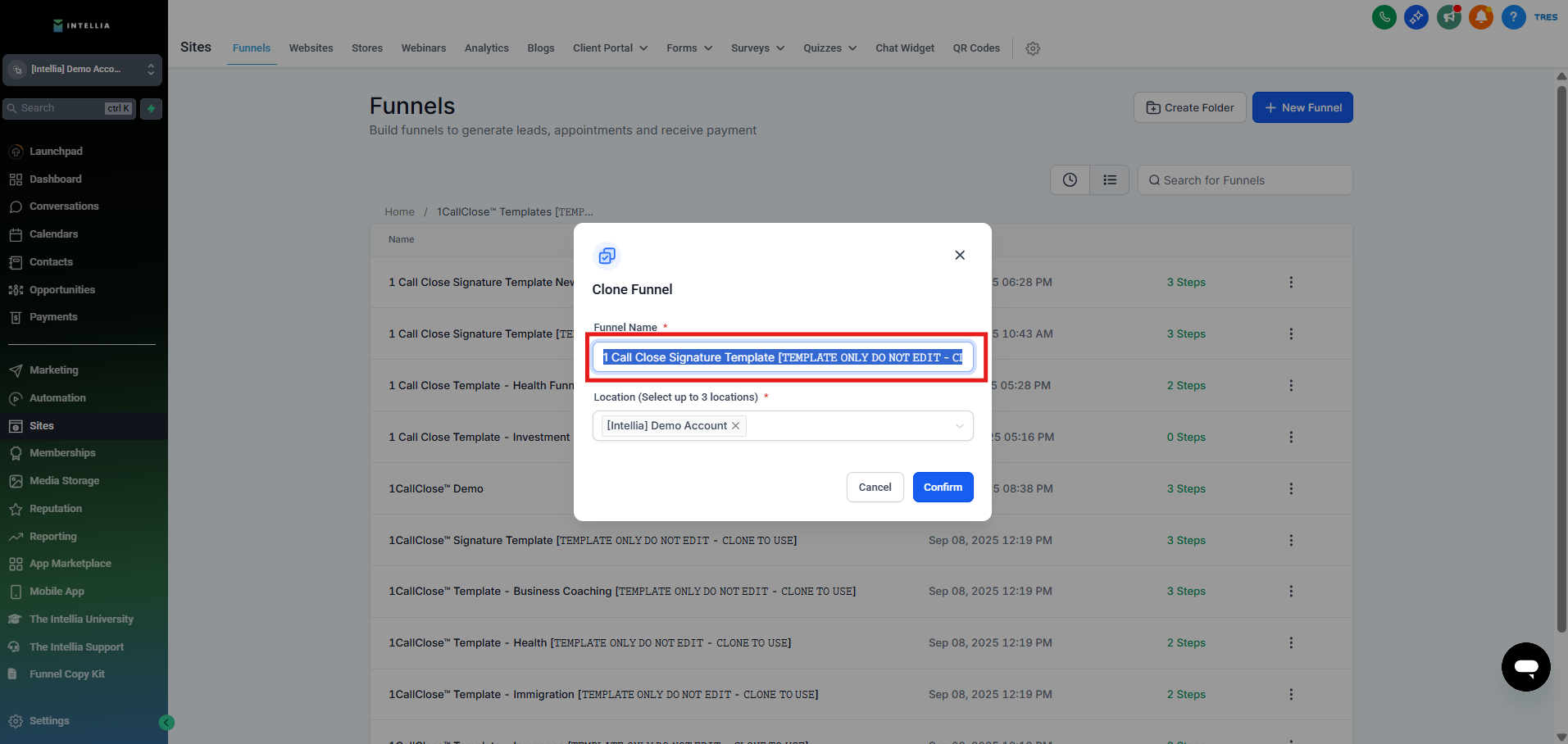
Step 9 : Edit the Funnel name accordingly.
Step 10 : Once completed renaming the "Funnel Name Field"
Step 11 : Click "Confirm".

Step 12 : On the top right corner, you'll see a notification that the Funnel Page is In-progress.