

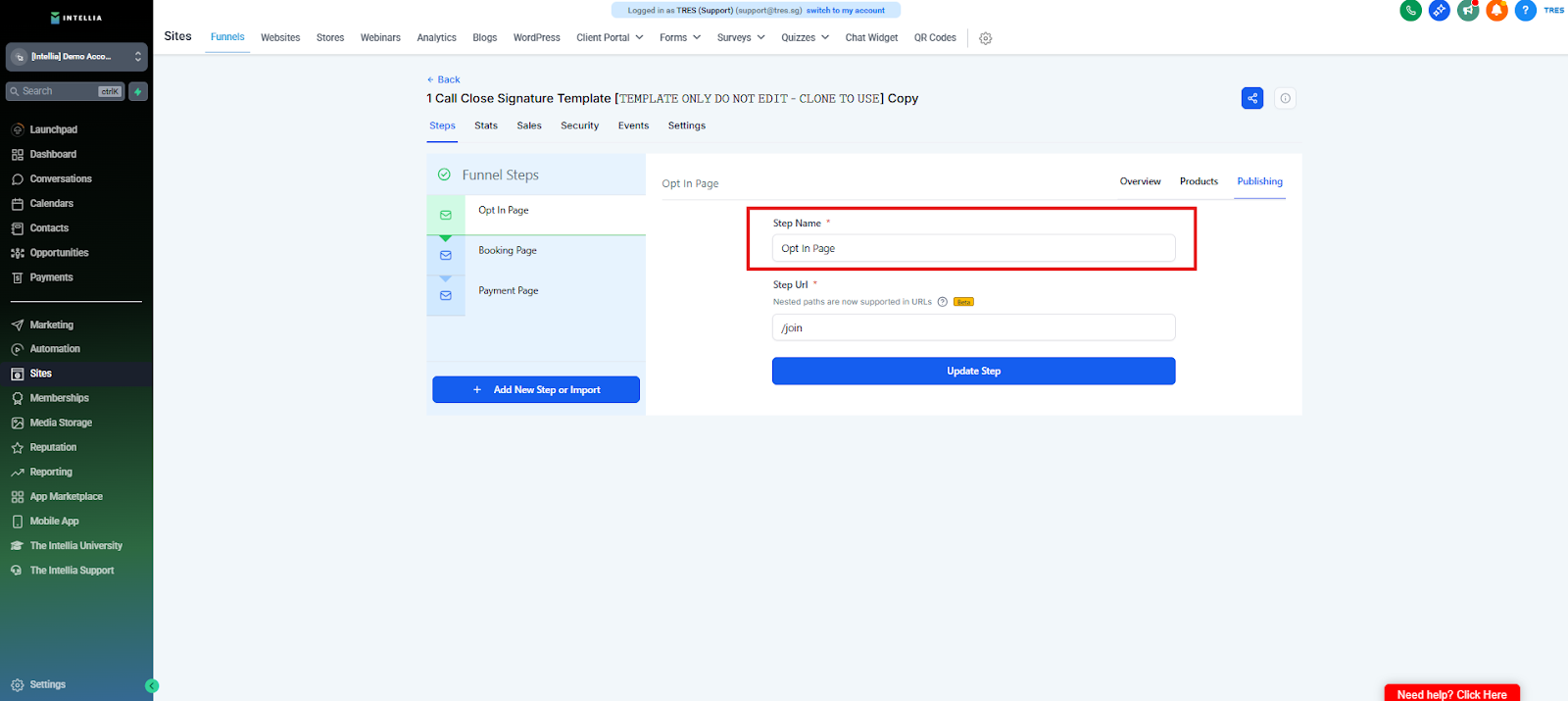
Page Name = internal label
Slug example: strategy-call or webclass-register
Keep it short, clean, no spaces.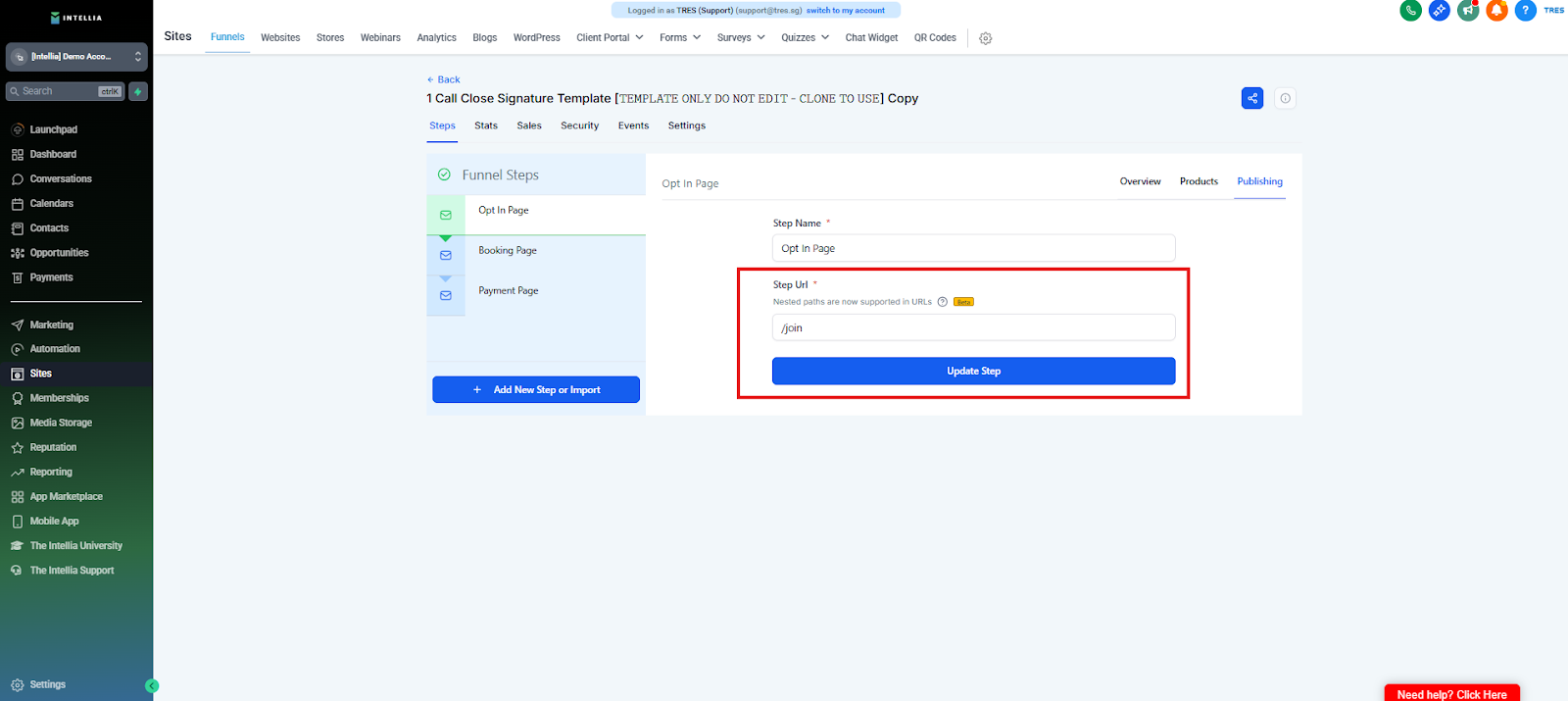
Frequently Asked Questions
What’s the difference between Page Name and URL Slug?
Page Name is an internal label to help you identify the page inside Intellia.
URL Slug is the part of the web address visitors see (e.g./strategy-call).What should I use for the Page Name?
Use something clear and recognizable for your team, usually matching your page purpose or offer (e.g. Strategy Call LP).What makes a good URL slug?
A good slug is:
Short
Lowercase
No spaces or special characters
Examples:strategy-call,webclass-register,book-callCan I change the URL slug later?
Yes, but changing it after publishing can break links from ads, emails, or WhatsApp. It’s best to finalize the slug before you send traffic.What if my desired slug is already taken?
Add a small variation, such as:strategy-call-v1book-call-2026
Avoid adding random characters or making it long.How do I know this step is complete?
Once both the Page Name and URL Slug are set correctly, drop “URL DONE” in chat and move to the next step.