Button text
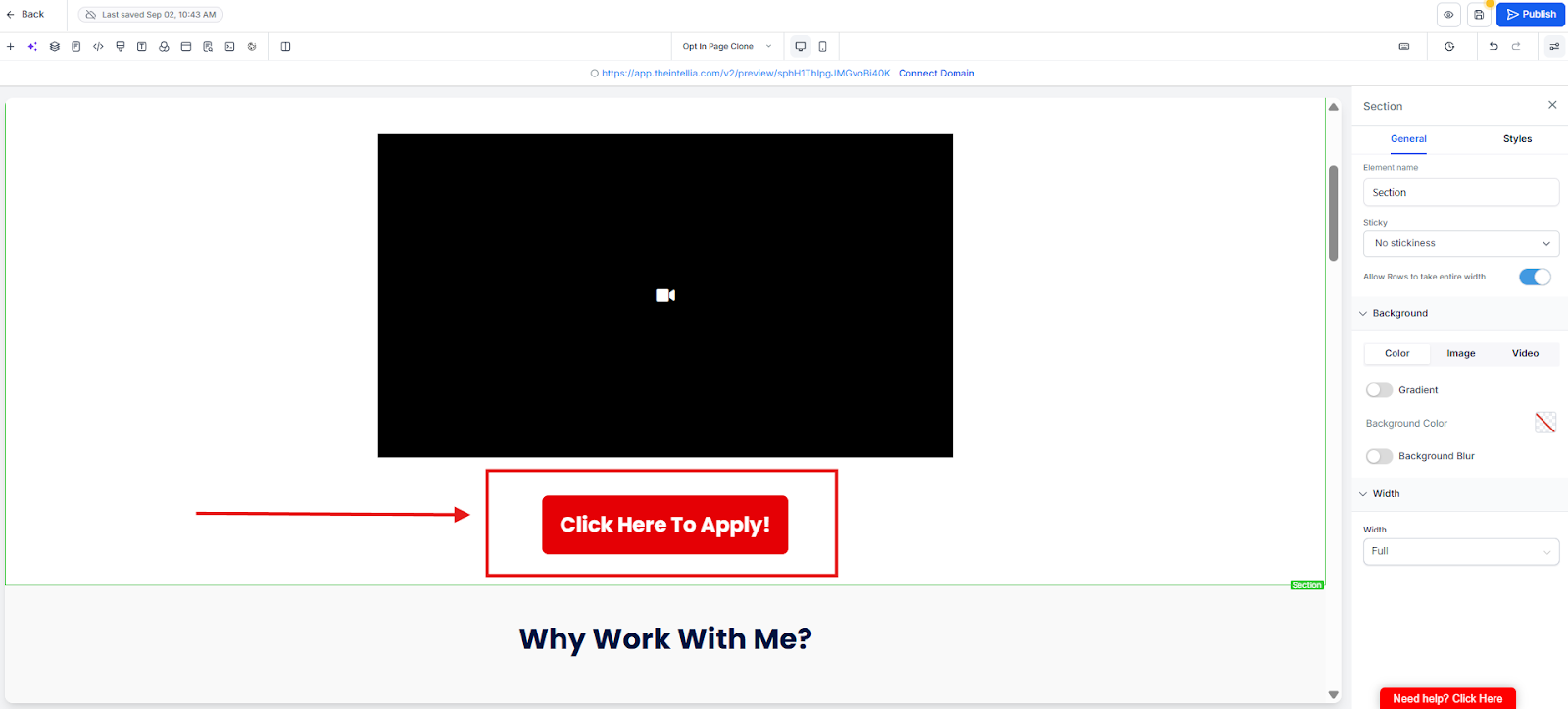
Action / Link
Open URL
Scroll to section0.
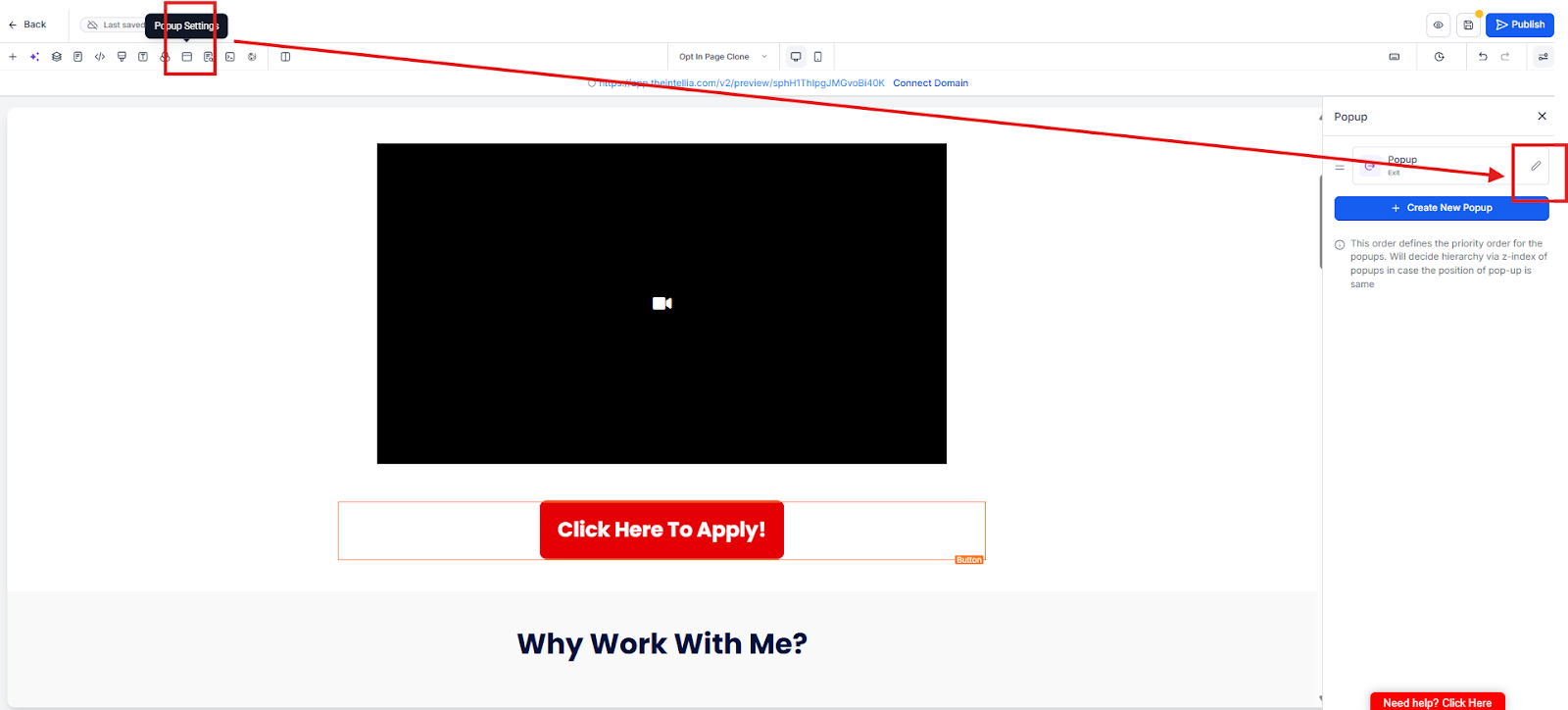
Open popup form: [TEST FORM — NOT LIVE] 1CC AI Booking Test Form
 Critical: Test ALL CTAs later, not just hero button.
What exactly do I need to update on the CTA button?
Two things only: Button Text and Action/Link (where the click goes).
What are the 3 CTA actions I can choose from?
When should I use “Open URL” vs “Scroll to section”?
Use Open URL if the next step is outside the page (booking link, payment page).
Use Scroll to section if your form is already on the same landing page.
When do I use “Open popup form”?
When you want a 2-step opt-in (click button → popup form appears).
For testing, you can connect it to: [TEST FORM — NOT LIVE] 1CC AI Booking Test Form.
Why does it say “Test ALL CTAs”?
Because each button is a separate element. Your hero CTA might be correct, but mid-page or bottom CTA could still be pointing to the wrong place.
What’s the most common mistake in this step?
Only fixing the hero button and forgetting the other CTAs — which causes lost leads and broken flows.

