

Step 1. Open the GPT
https://chatgpt.com/g/g-69a5a3945ec0819187846b5992240e79-1-manylpbuilder-ai
Step 2 . Click the “Write the LP from this Brief”
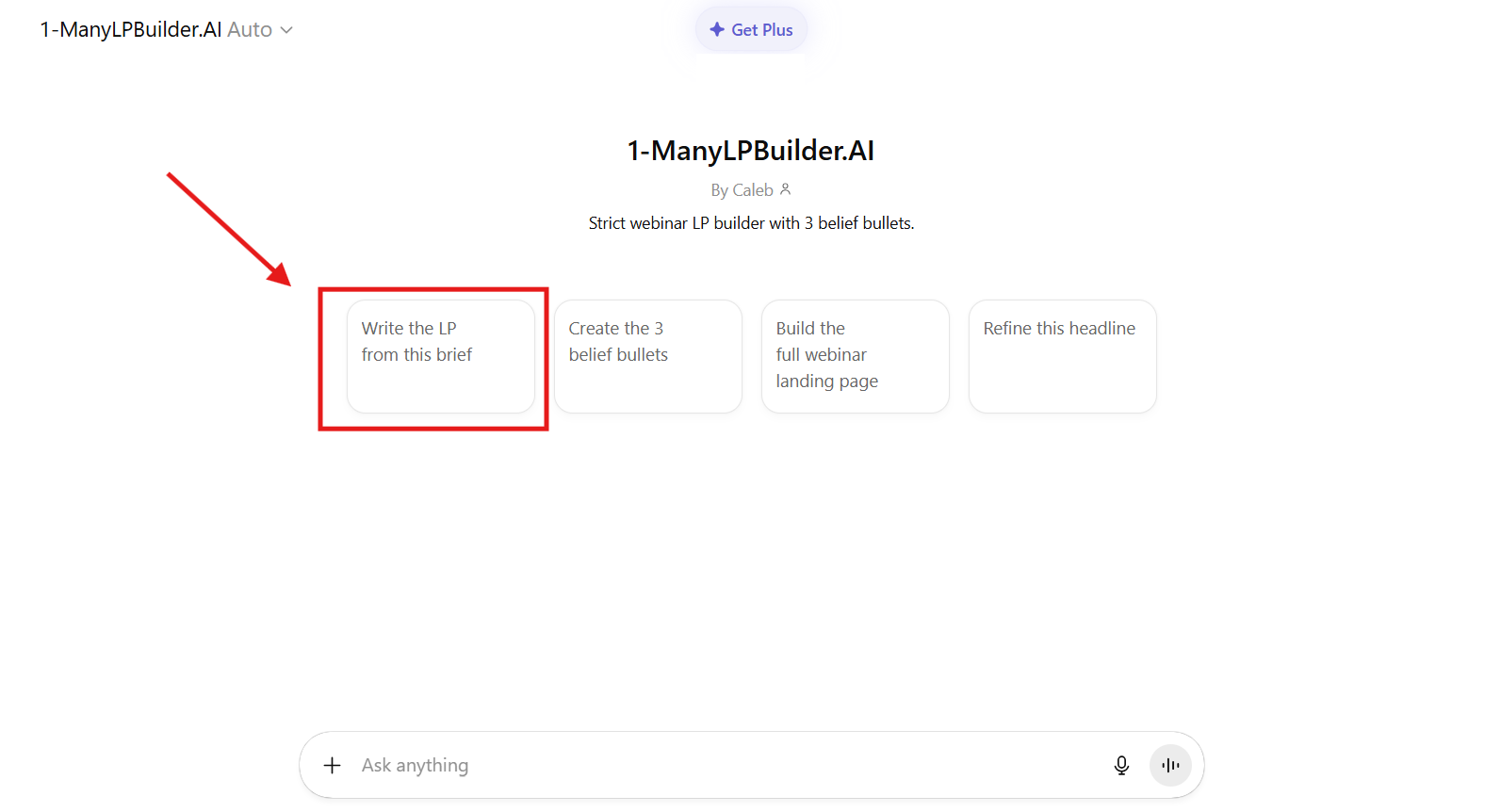
Step 3. Prepare inputs (rough is fine)
Target audience
Desired outcome / promise
Webinar topic
Unique mechanism or framework (if any)
Common objections or barriers
Who the webinar is for (roles, industries, experience level)
Any case study results (name, title, company, and result)
Step 4 Paste prompt (copy-paste)
(keep your existing prompt exactly as-is)
Step 5. Save your Copy Pack
Paste output into a Google Doc/Notion and keep it open.
Frequently Asked Questions (FAQs)
Why do we need to generate the Copy Pack before building the page?
Because the build becomes paste-and-replace. If you try to write inside the page builder, you’ll get stuck and waste time.What if my inputs aren’t perfect yet?
That’s fine — rough inputs are enough. The goal is to get a working first draft you can refine later.Should I change the prompt in Step 3?
No. Keep the prompt exactly as-is so the output matches the landing page template structure.Where should I save the Copy Pack output?
Paste it into a Google Doc or Notion and keep it open side-by-side while building the page.How do I know I’m done with this step?
When you have the full Copy Pack saved (headline, bullets, section copy, CTA text, microcopy).