Change the webinar date and time so it matches the actual schedule of the event.
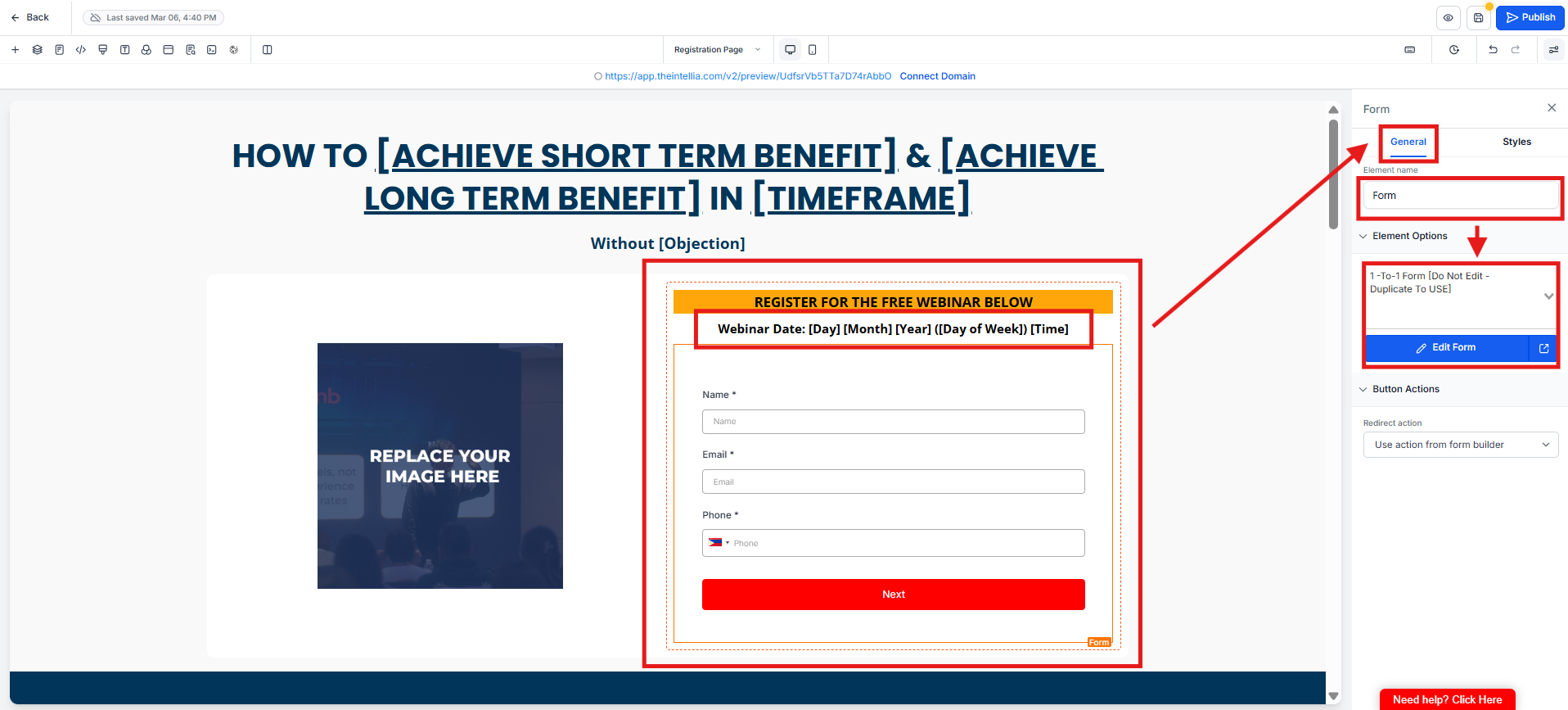
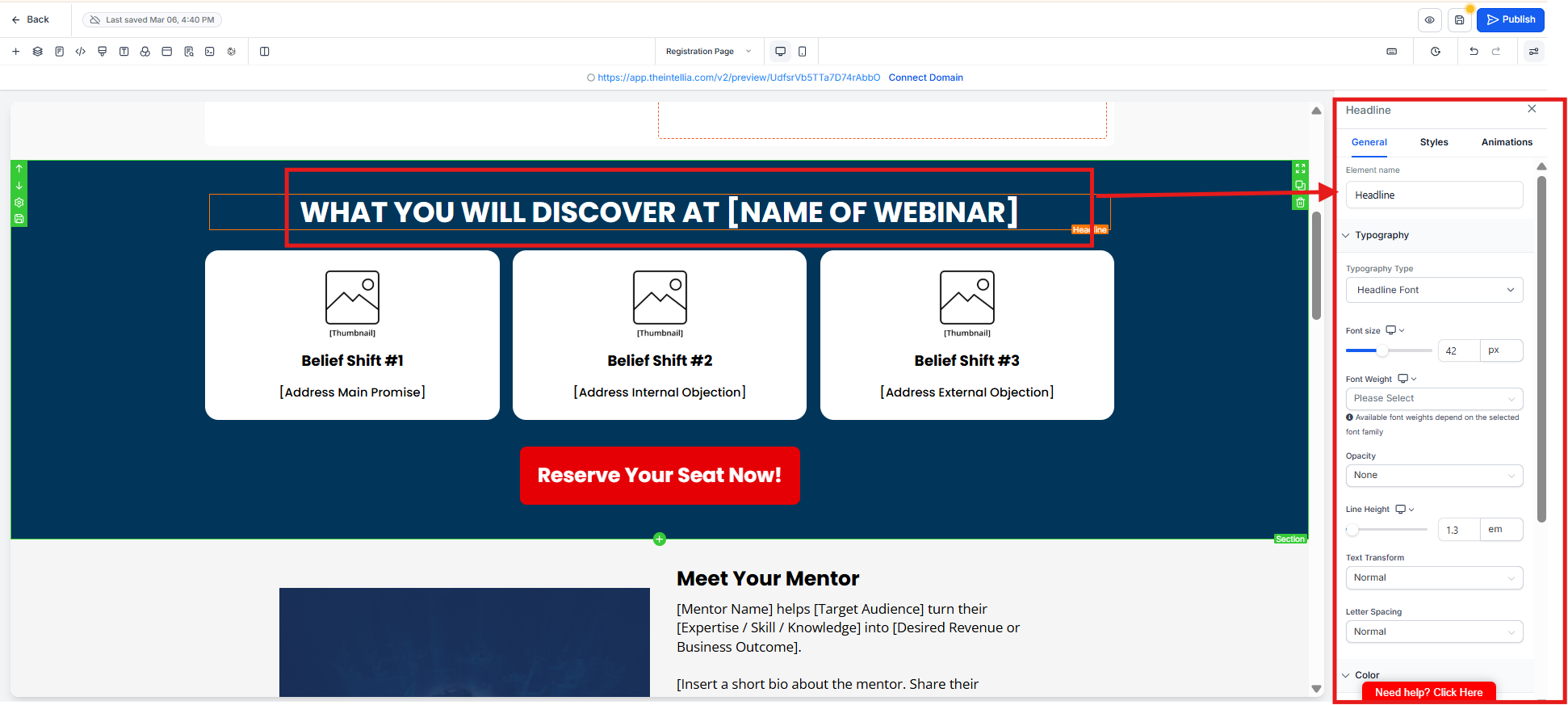
Replace the webinar title with the correct event name shown on the page.
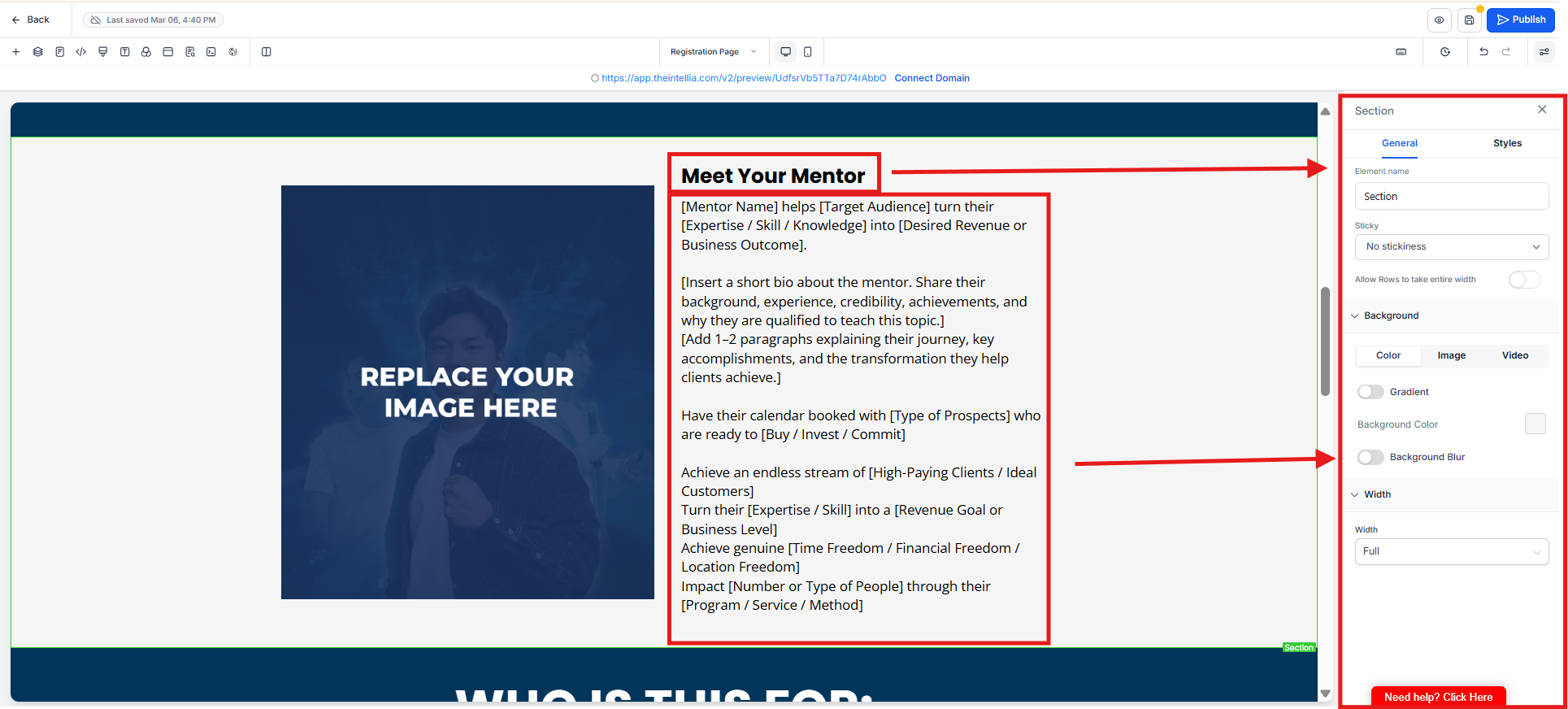
Edit the mentor section with the correct name, introduction, credentials, and short bio.
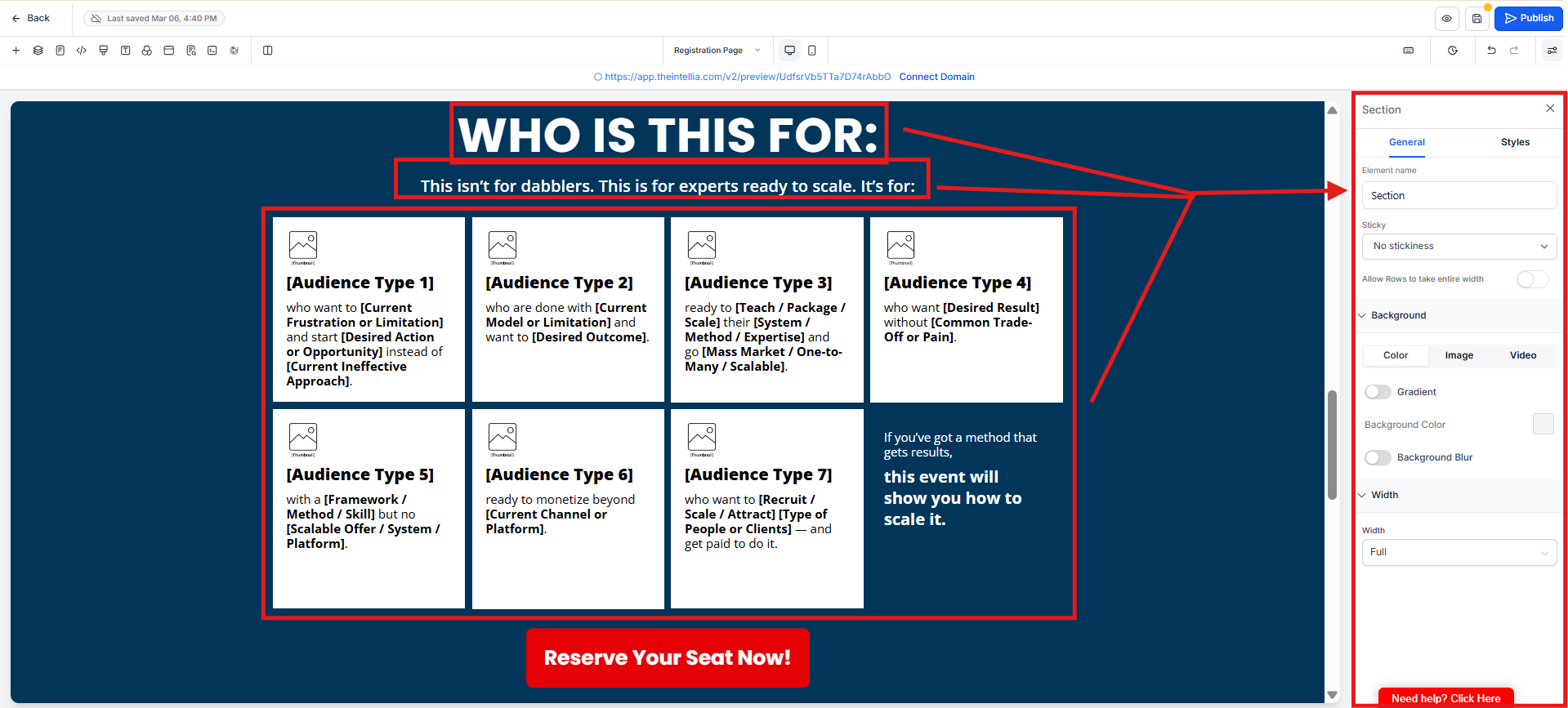
Replace the audience section so it clearly describes who the webinar is meant for.
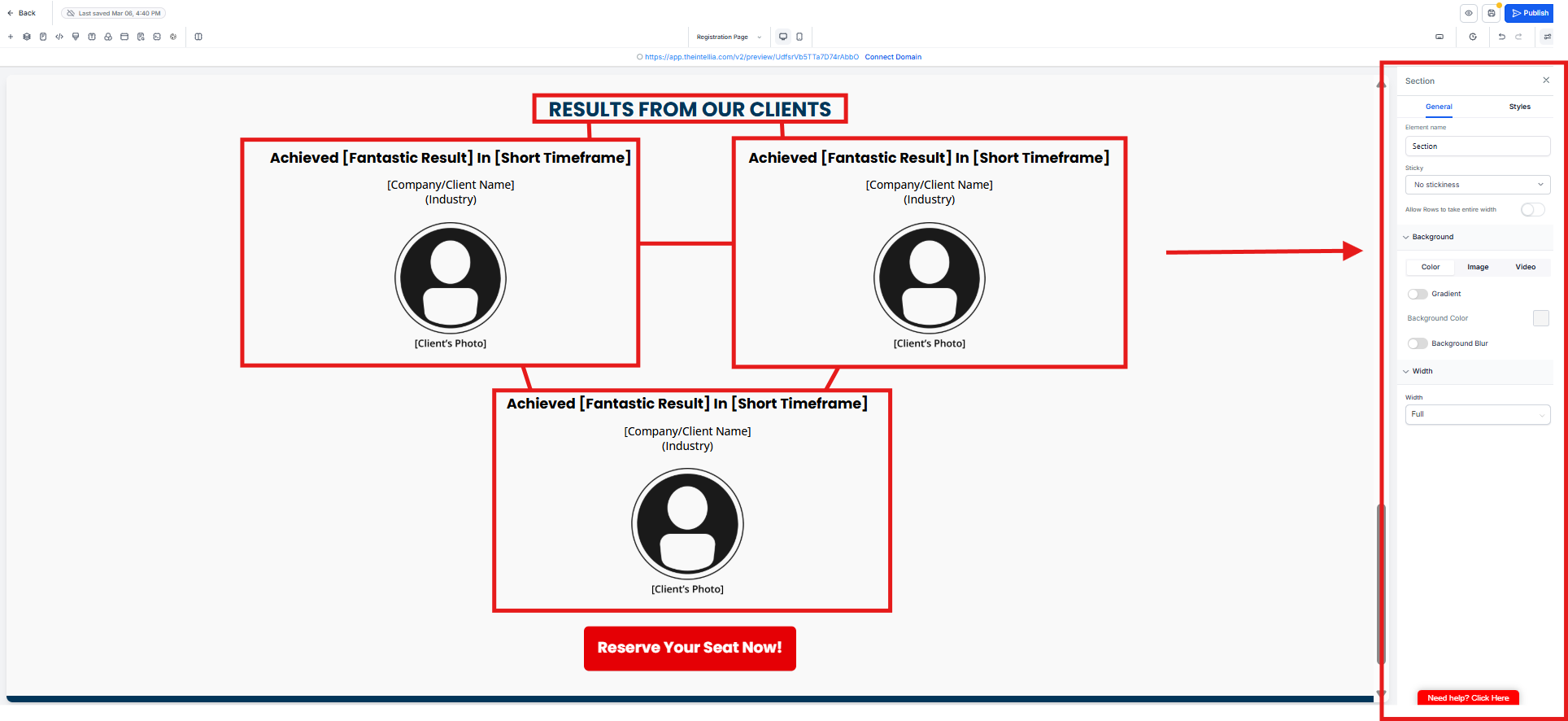
Update the testimonial or proof section with the correct client names, photos, outcomes, and success stories.
What should I update in Step 8?
You need to update the webinar date, webinar name, mentor details, target audience section, client results section, and CTA button link.
Why is it important to update the webinar date?
This ensures visitors see the correct event schedule and avoids confusion or missed registrations.
What should be included in the webinar name?
Use the official webinar title exactly as it should appear to visitors.
What details should I add under “Meet Your Mentor”?
Include the mentor’s name, role, short introduction, and any relevant authority or experience.
What should I write in the “Who Is This For” section?
Describe the ideal audience clearly, such as business owners, coaches, consultants, or any specific group the webinar is designed for.
What belongs in the “Results From Clients” section?
Add testimonials, client wins, before-and-after results, or any proof that builds trust.

