

1. Open the GPT
Click the link to open the 1-To-Many PreSeduction Agent Builder: https://chatgpt.com/g/g-69a840608770819190f1ffd6cb9fb833-1-to-many-preseduction-agent-builder
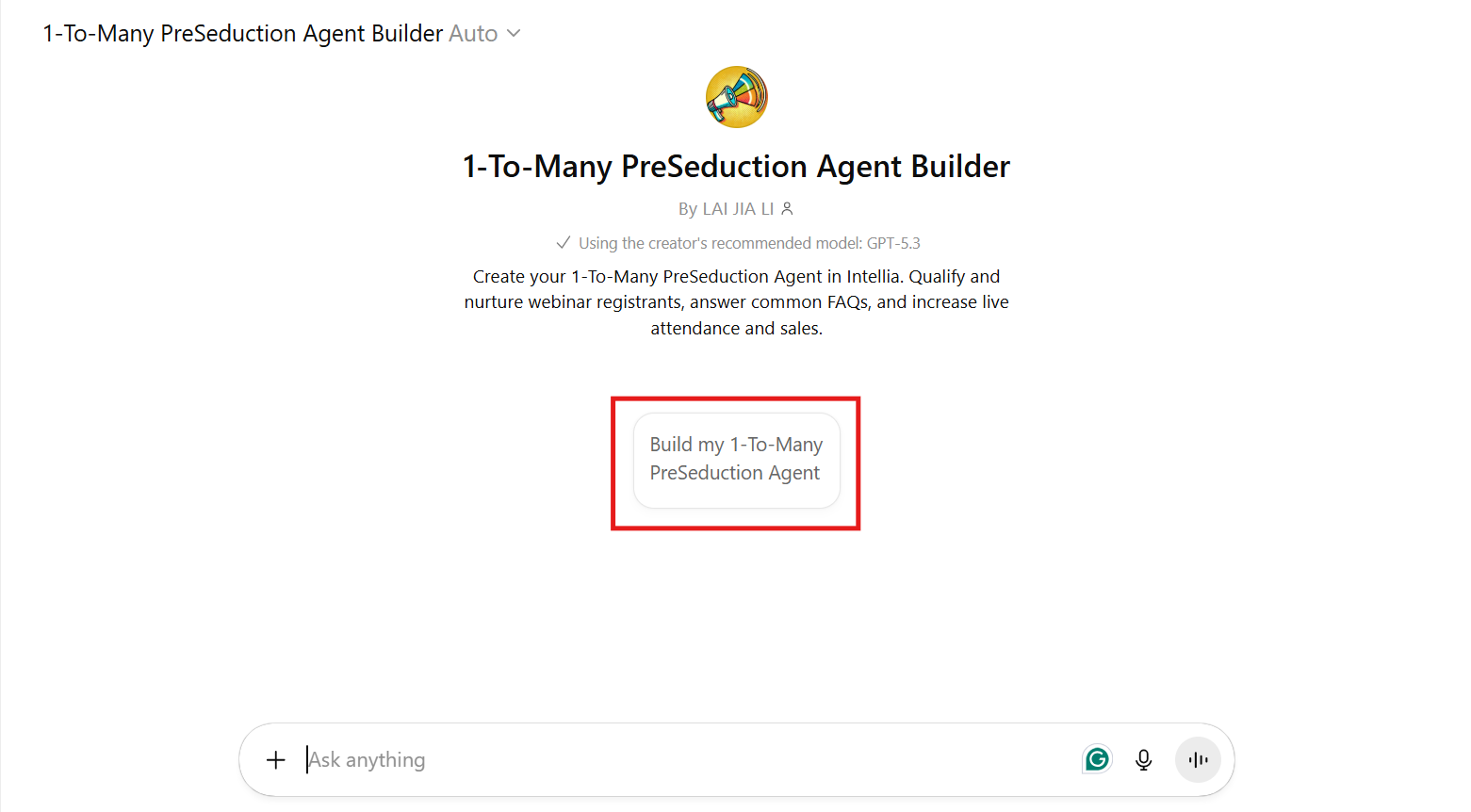
2. Click the Button: "Build my 1-To-Many PreSeduction Agent"
Once you’re in the builder, click the button that says “Build my 1-To-Many PreSeduction Agent”.
3. Respond to These Questions
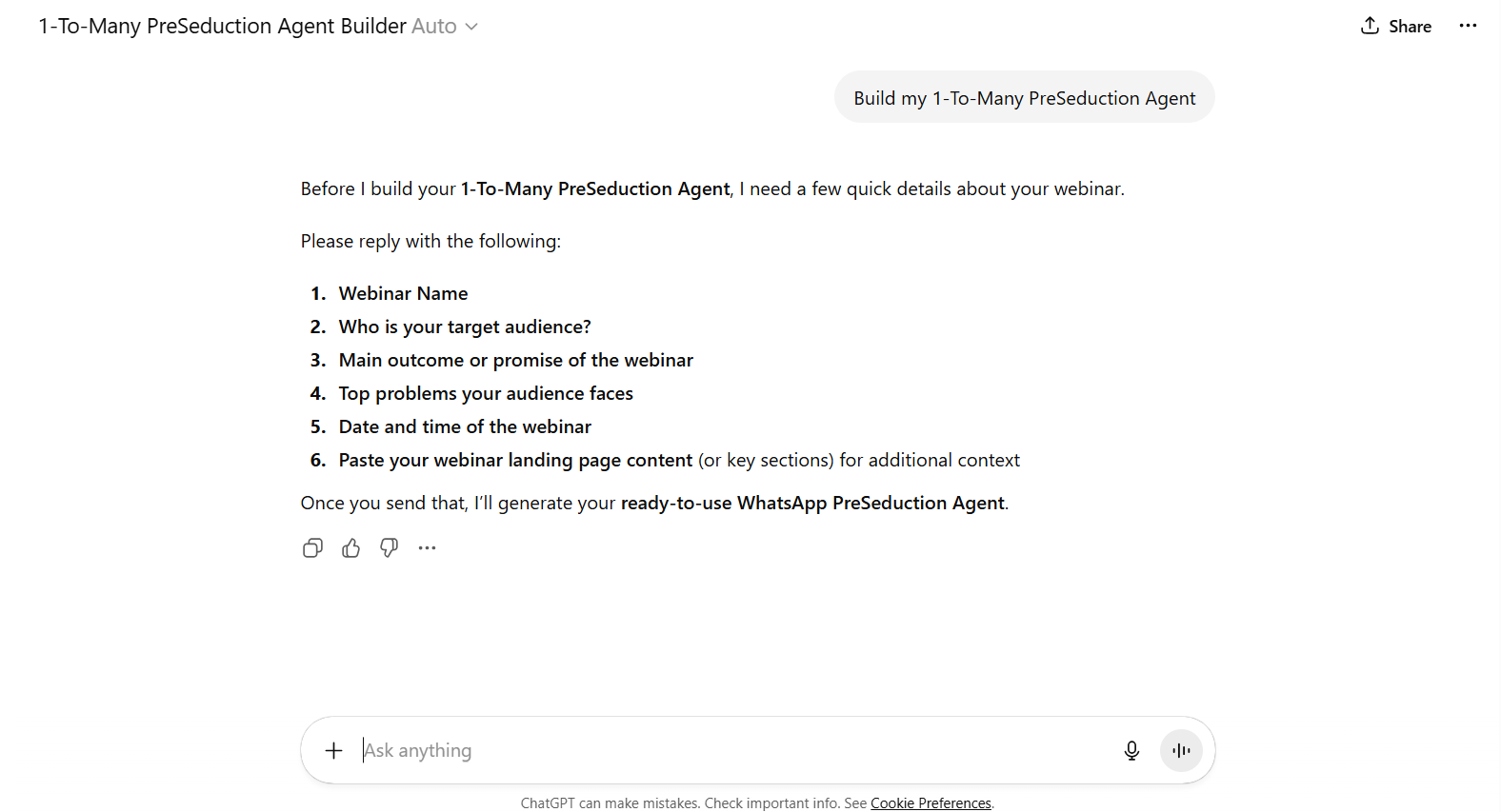
In the GPT chat, reply with the following details to help generate your personalized agent copy:
Webinar Name
Who is your target audience? (e.g. business owners, freelancers, etc.)
Main outcome or promise of the webinar
Top problems your audience faces
Date and time of the webinar
Paste your webinar landing page content (or key sections) for additional context
What You’ll Get After Completing These Steps:
Initial WhatsApp Message Template for your first interaction with leads (Step 1: WhatsApp Templates).
1-To-Many Pre-seduction Copy for configuring the AI action in the next steps.
Checkpoint:
By completing this step, you now have your GPT output ready to proceed with building your WhatsApp templates and integrating the Pre-seduction instructions into your automated workflow. This ensures you won’t need to rewrite anything twice!