

Go to Sites > Funnels.
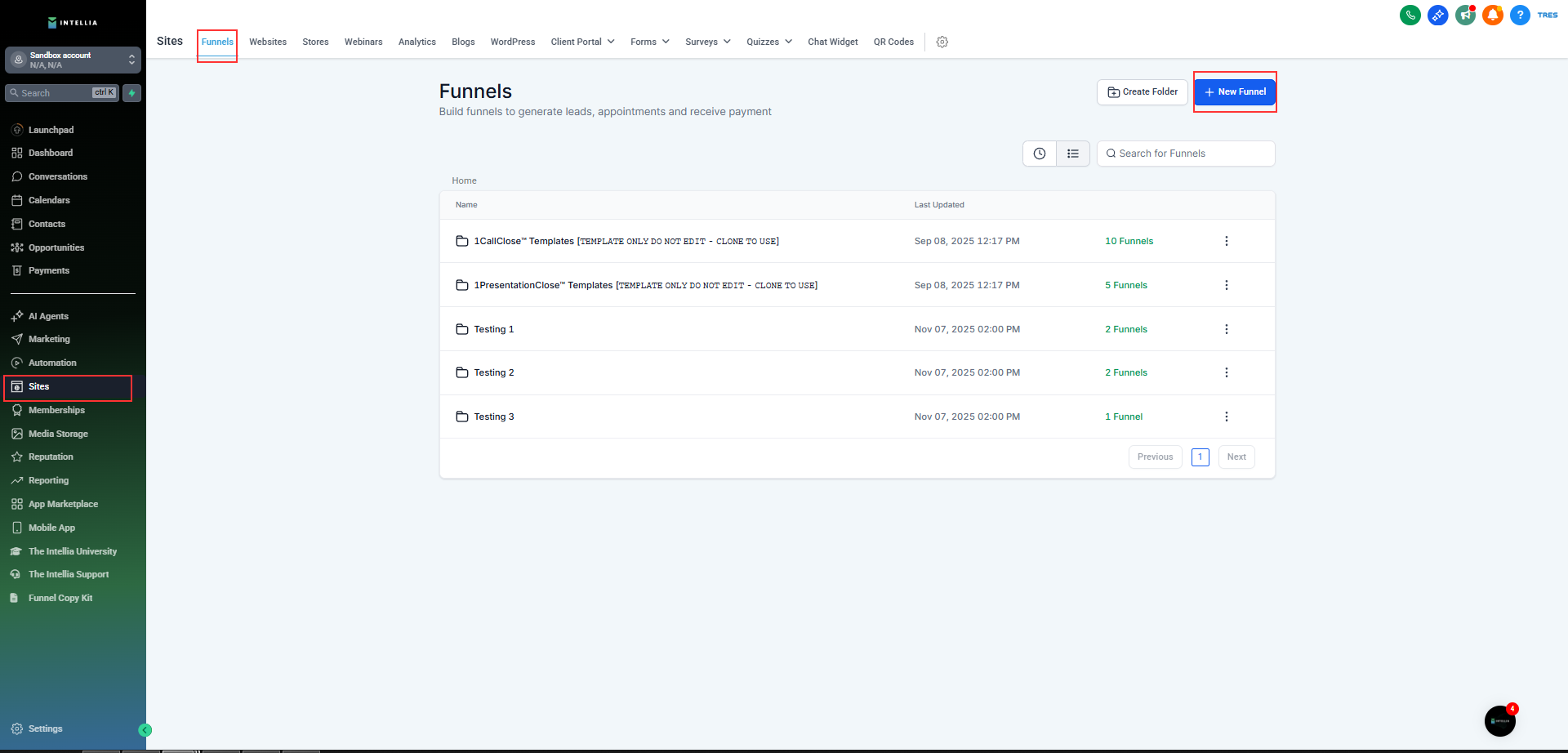
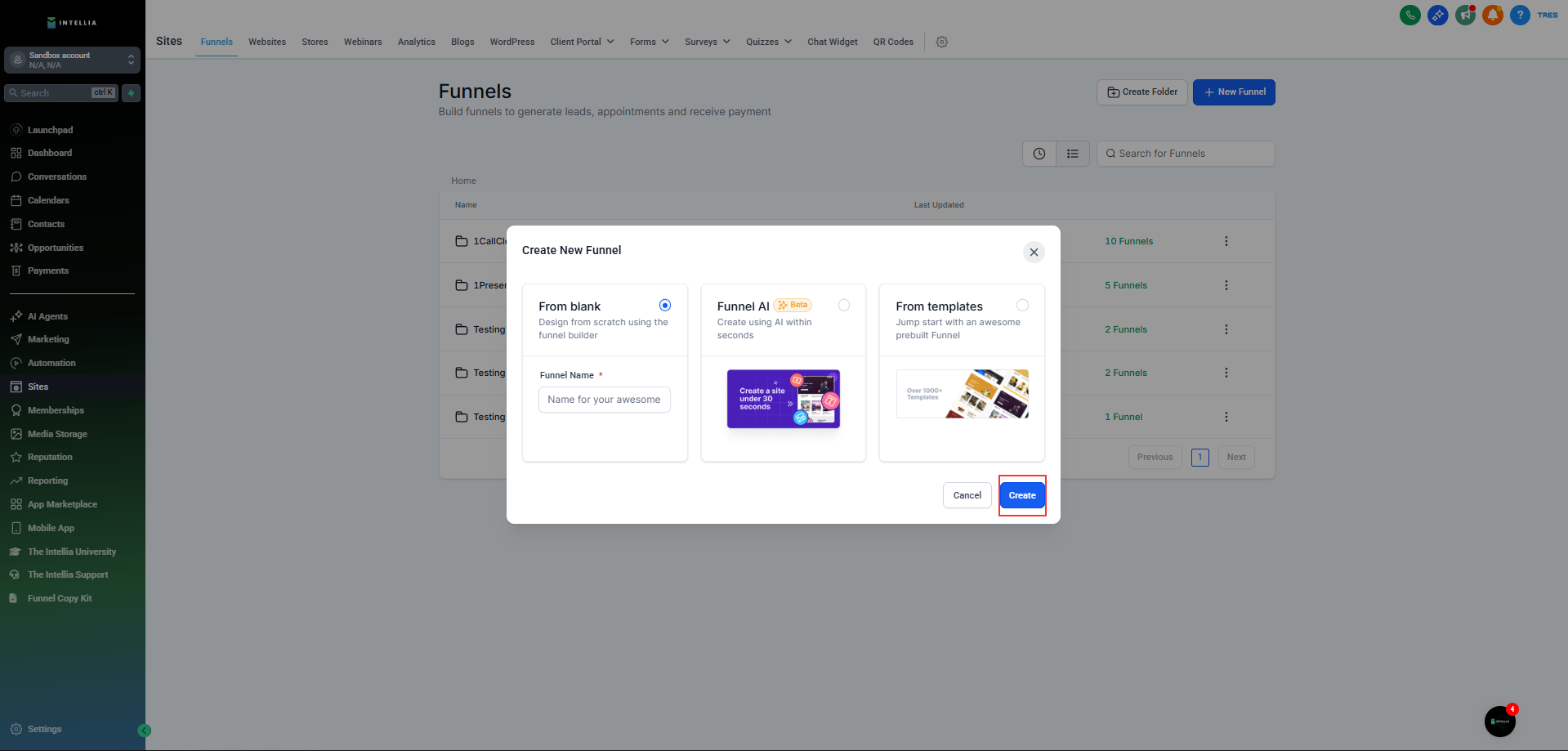
Click New Funnel, then select one of these options:
From Blank (build your own)
Funnel AI (AI-powered creation)
From Templates (use a pre-designed funnel)
Next step: Ready for more? Dive into customizing your funnel design to match your brand personality!
Create a Funnel From Template
Save time and start strong! Templates provide a professional design that's proven to convert, allowing you to focus on fine-tuning rather than starting from scratch.
Navigate to Sites > Funnels
Click New Funnel > From Template > Continue
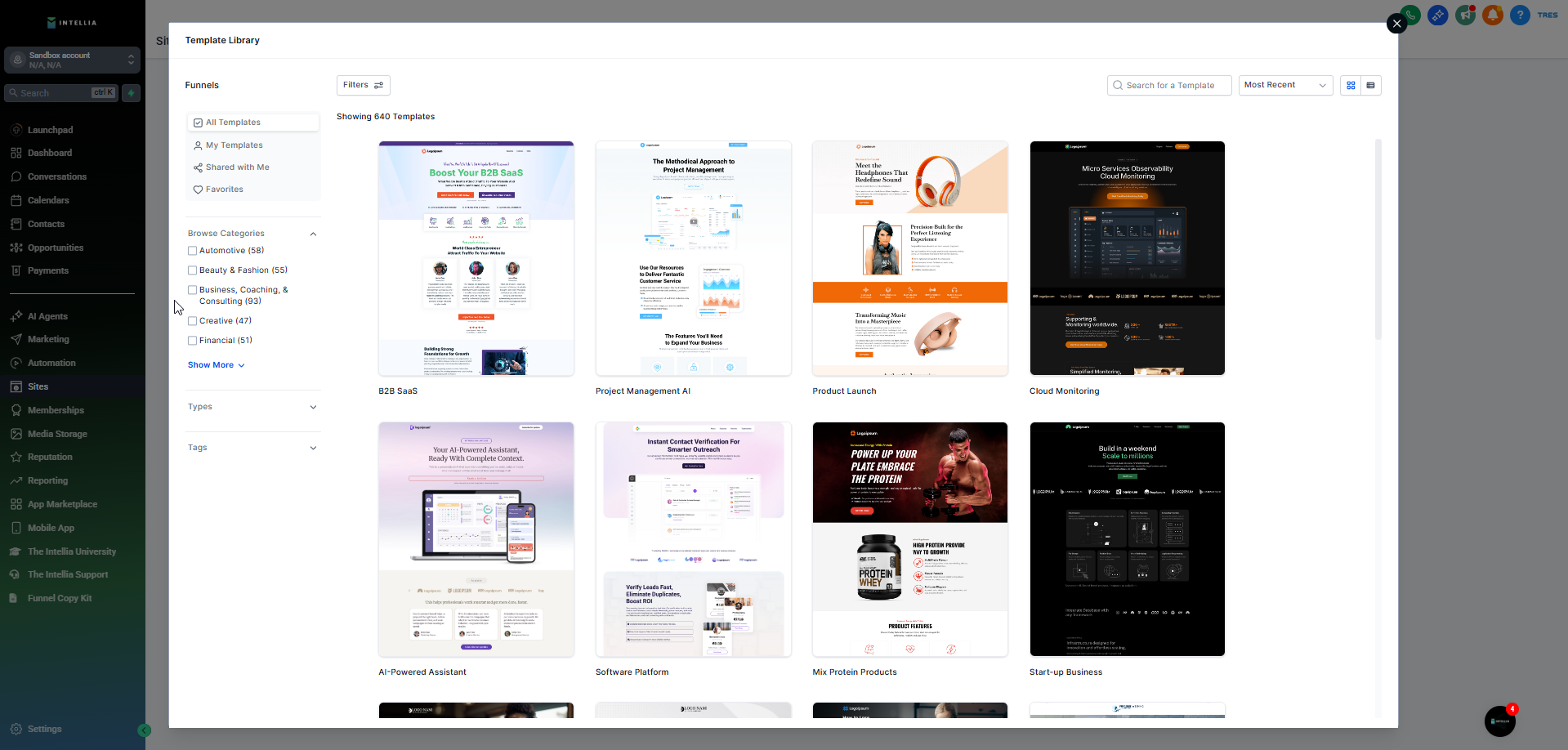
Open the Template Library.
Search, filter, and sort through the templates.
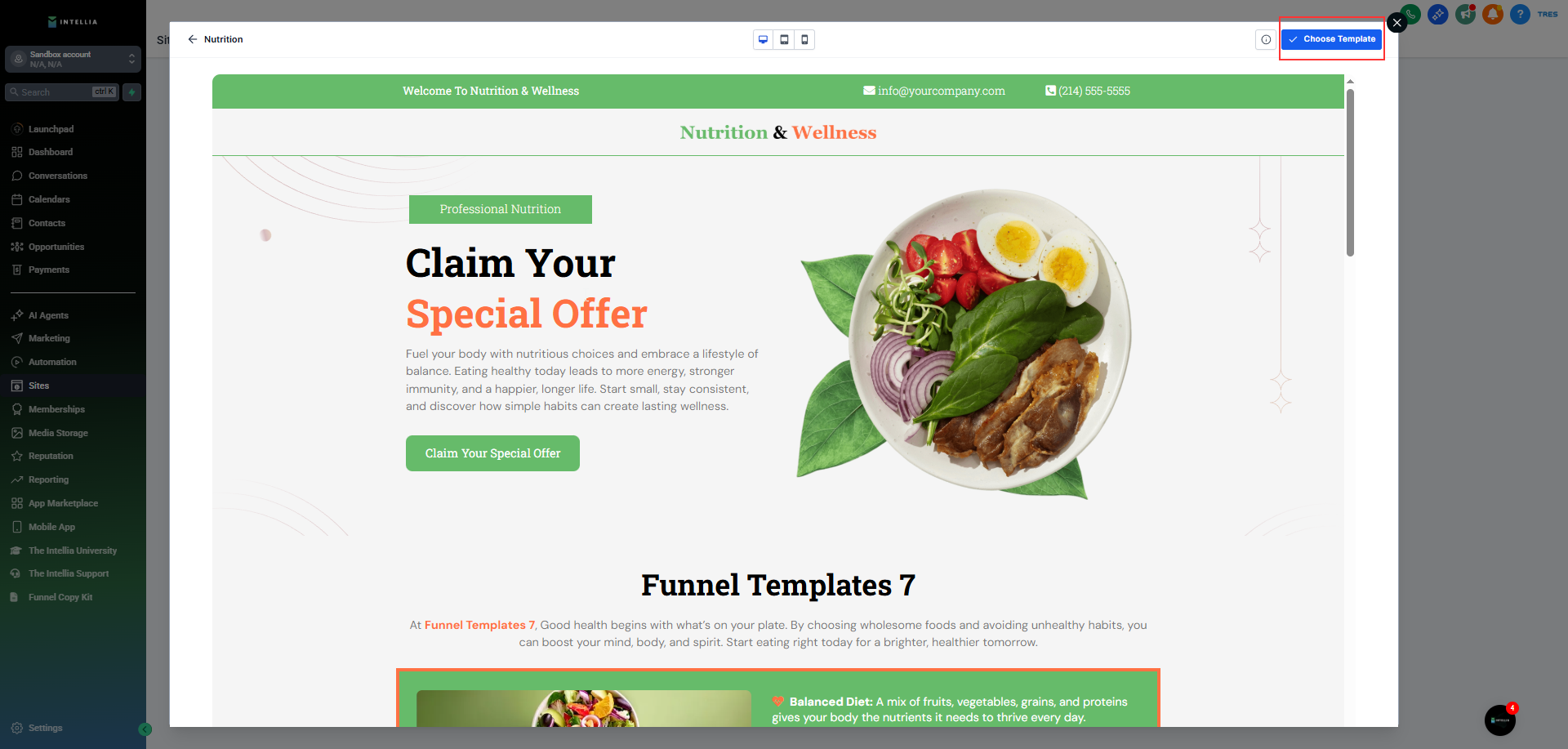
Preview your chosen funnel template.
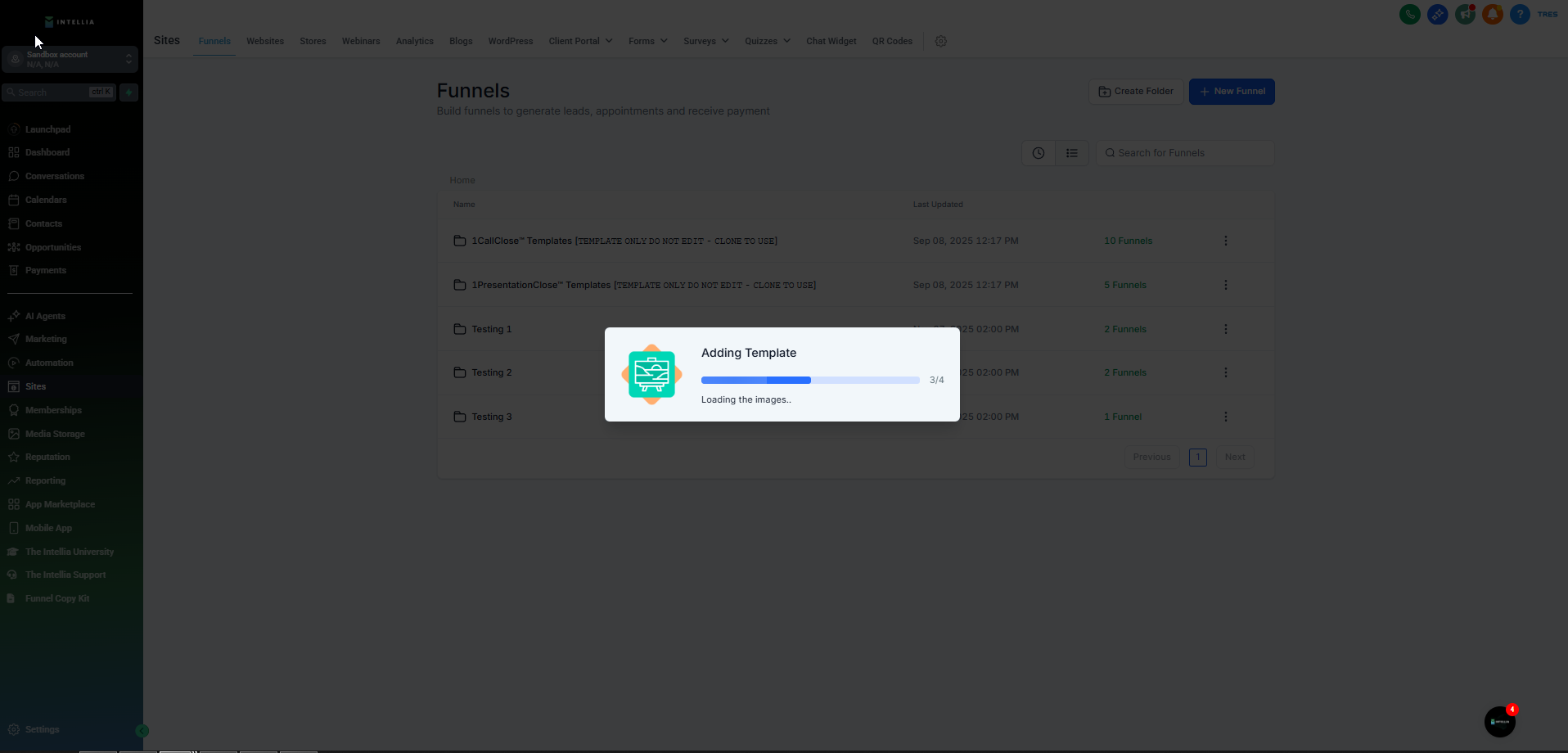
Click Choose Template.
Customize it in the Funnel Editor.
Click Save.