
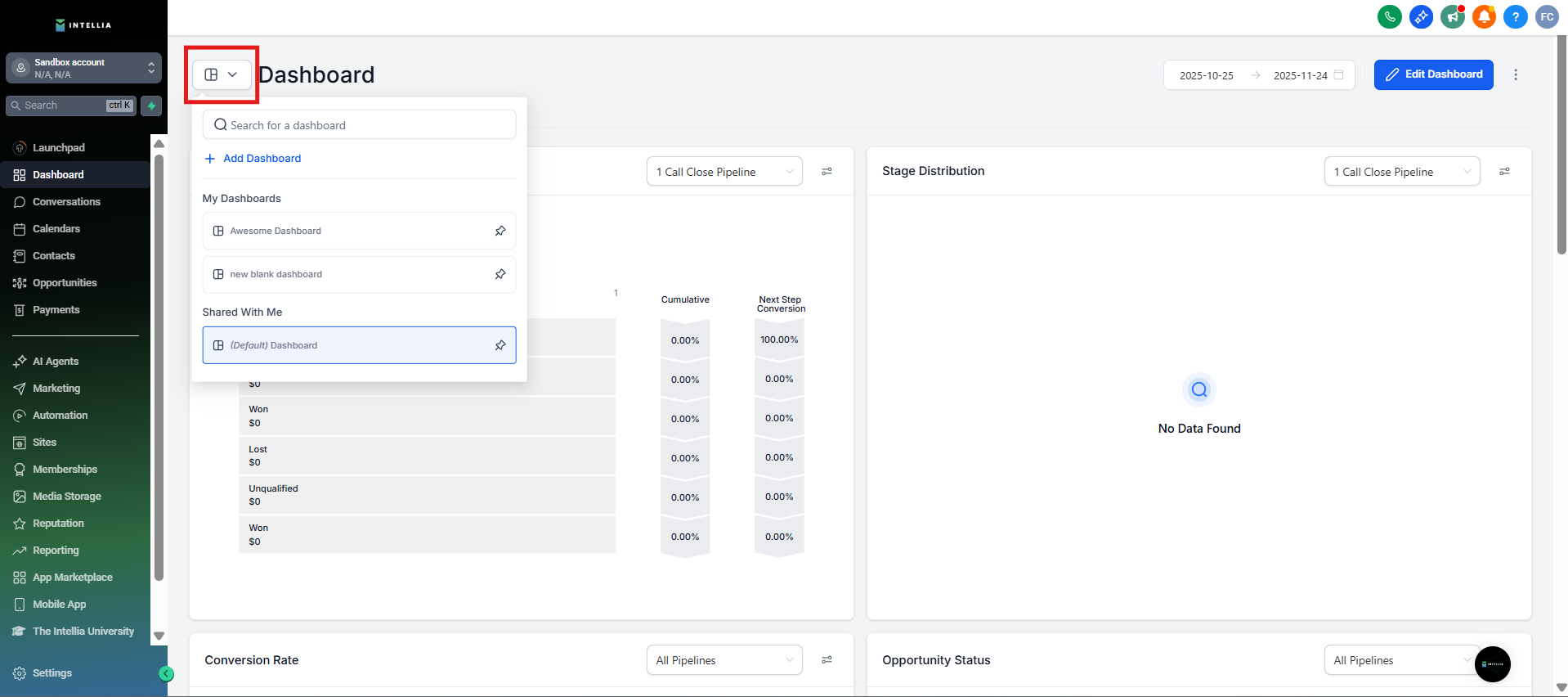
Step 1: Navigate to the Dashboard
Identify and navigate to the specific dashboard you intend to edit. Note: Only dashboard owners have the authority to edit a dashboard.
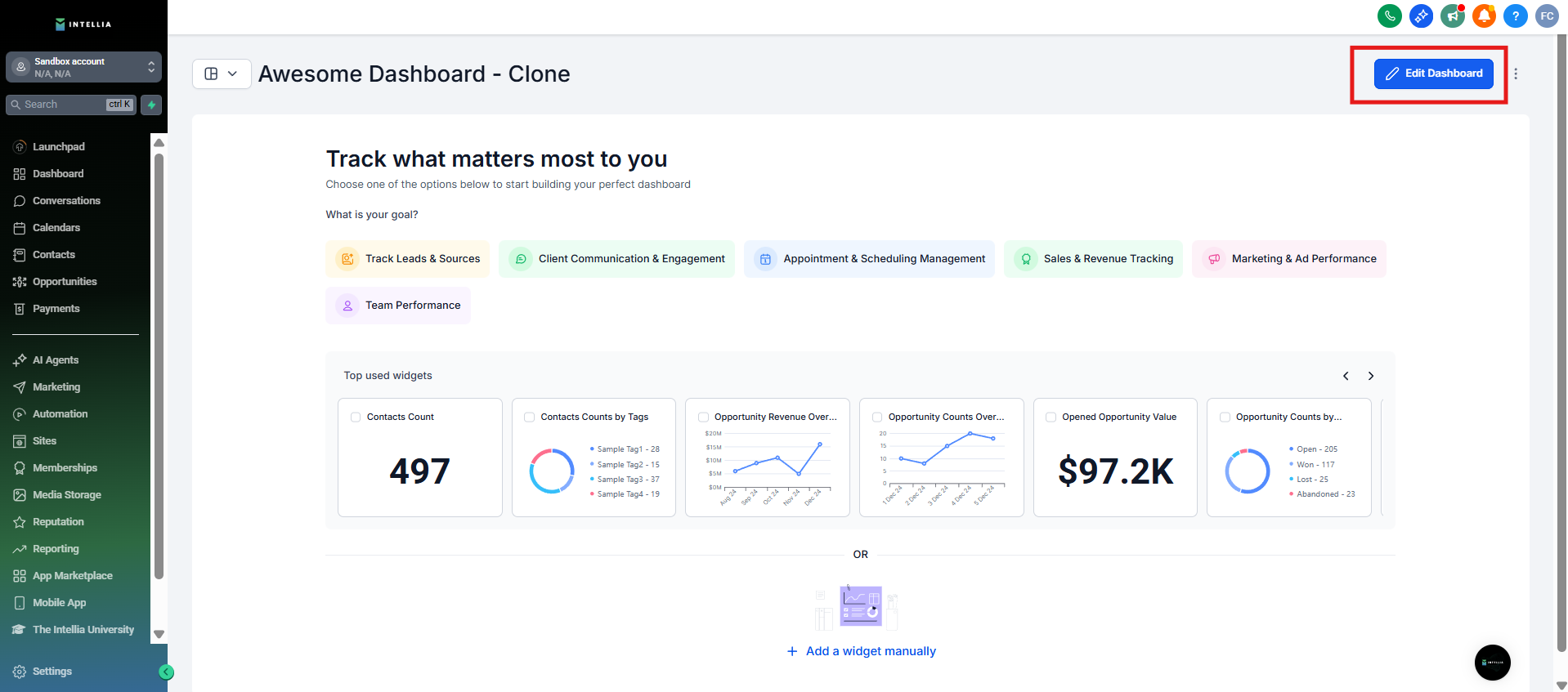
Step 2: Access Edit Mode
Click on the pencil edit icon located in the top right corner. This action will transition you into the edit mode
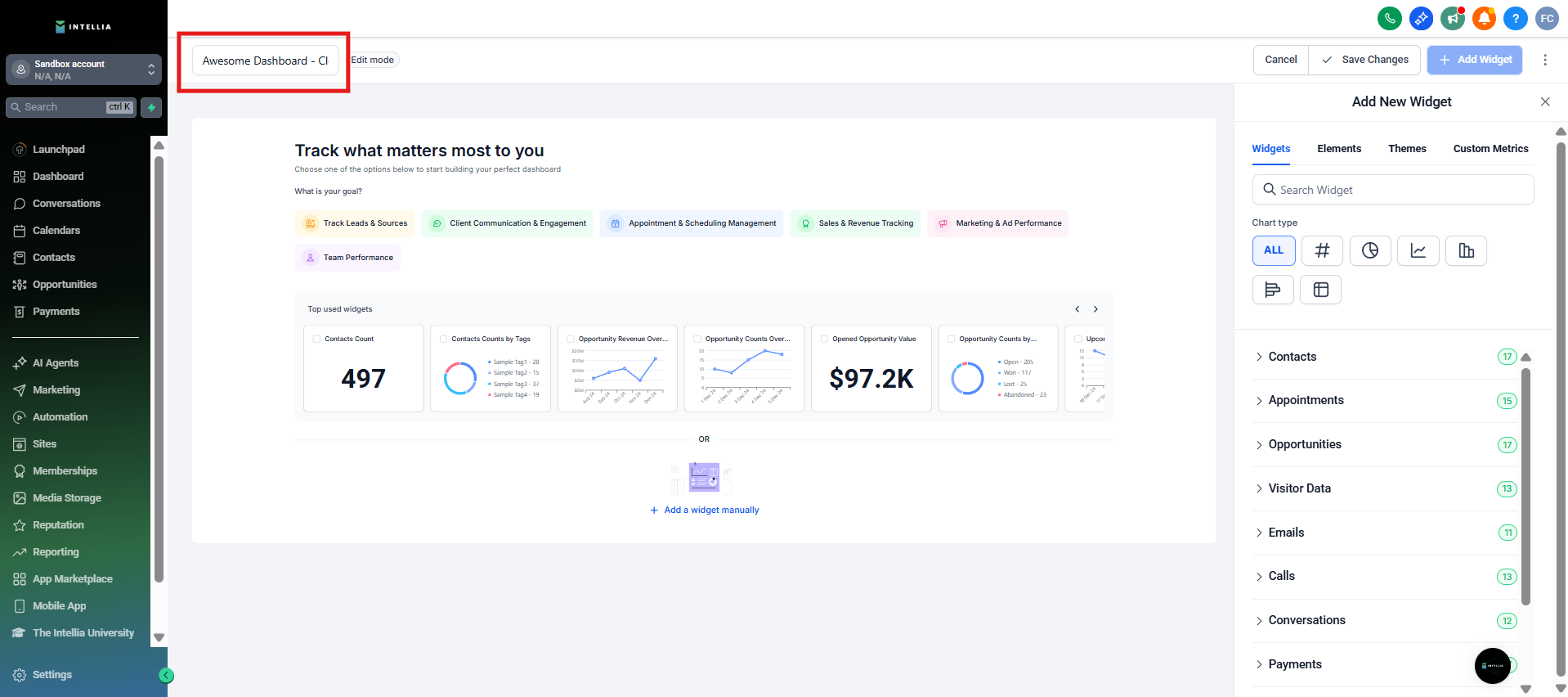
Step 3: Modify Dashboard Name
If needed, change the dashboard name to better suit your reporting requirements.
Step 4: Add New Widgets
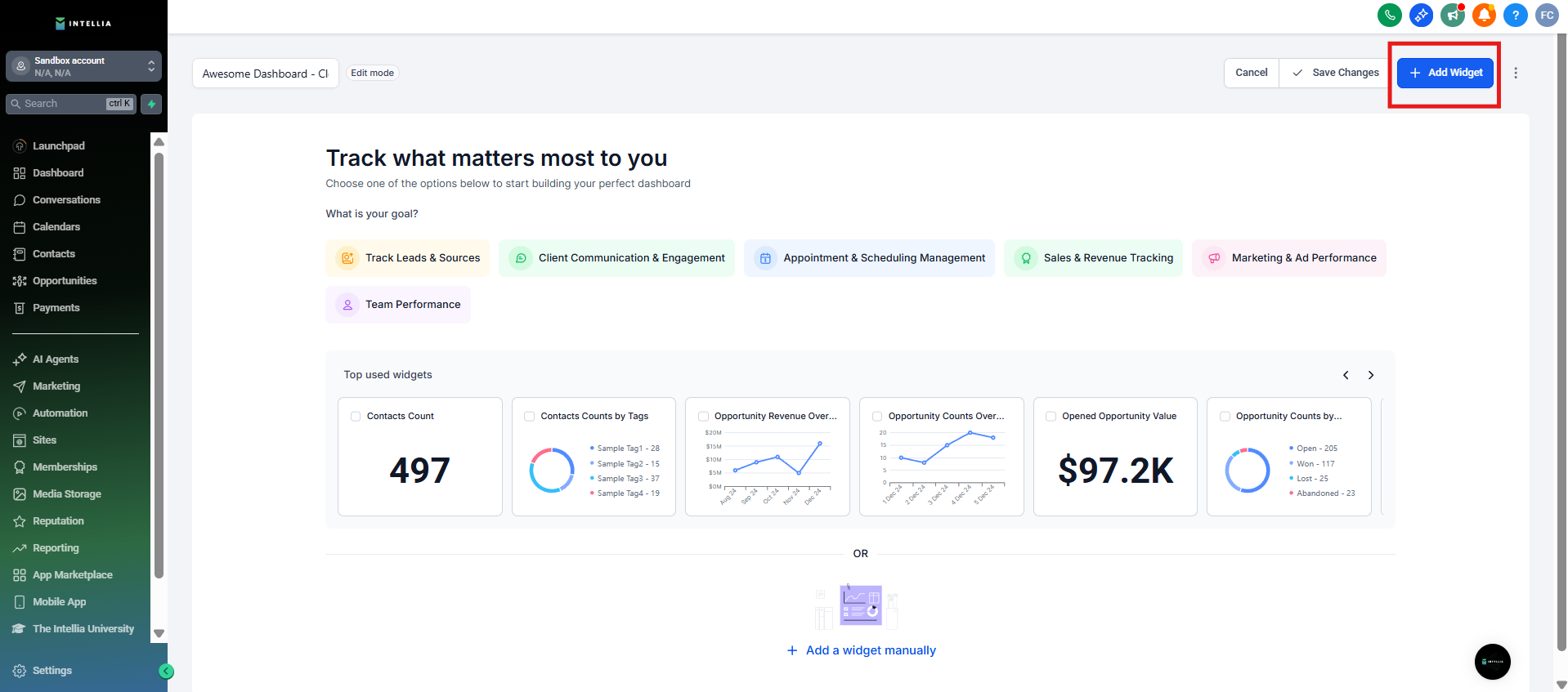
Click on "Add Widgets" to introduce new custom widgets to your dashboard. For a detailed guide on adding custom widgets, refer here
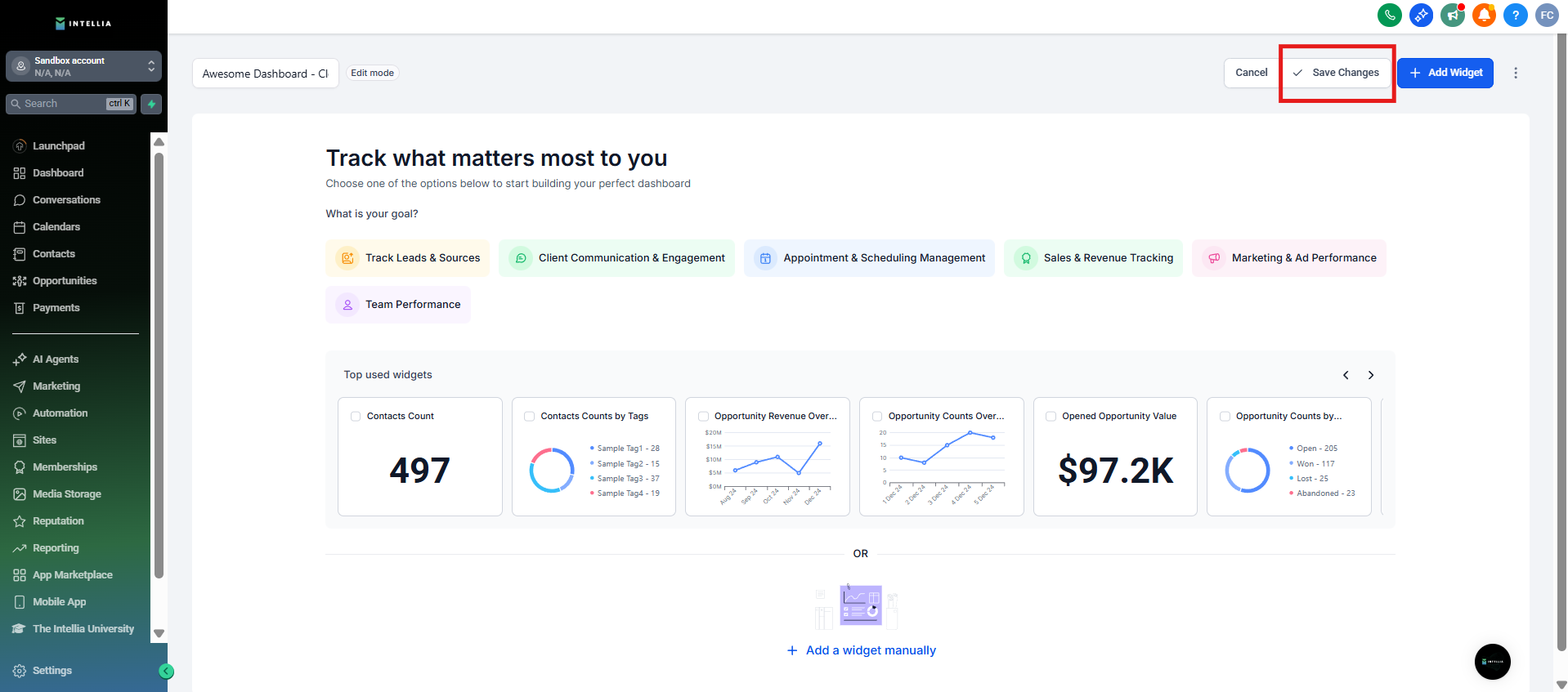
Step 5: Save Changes
Once you've made the necessary edits, click on "Save Changes" to apply and finalize the modifications.